Forensic icon

Forensic Quick Find

Find anyone across your site, from the moment you see them

Select a person and Forensic Quick Find shows everywhere they appear across your site. It matches people by appearance, not faces, so your team can track a person's movements and find their last known location without scrubbing through hours of footage.
icetana AI forensic surveillance software 

Forensic video search built for busy control rooms

When something happens on site, the first question is usually "where did that person go?" Forensic Quick Find answers it.

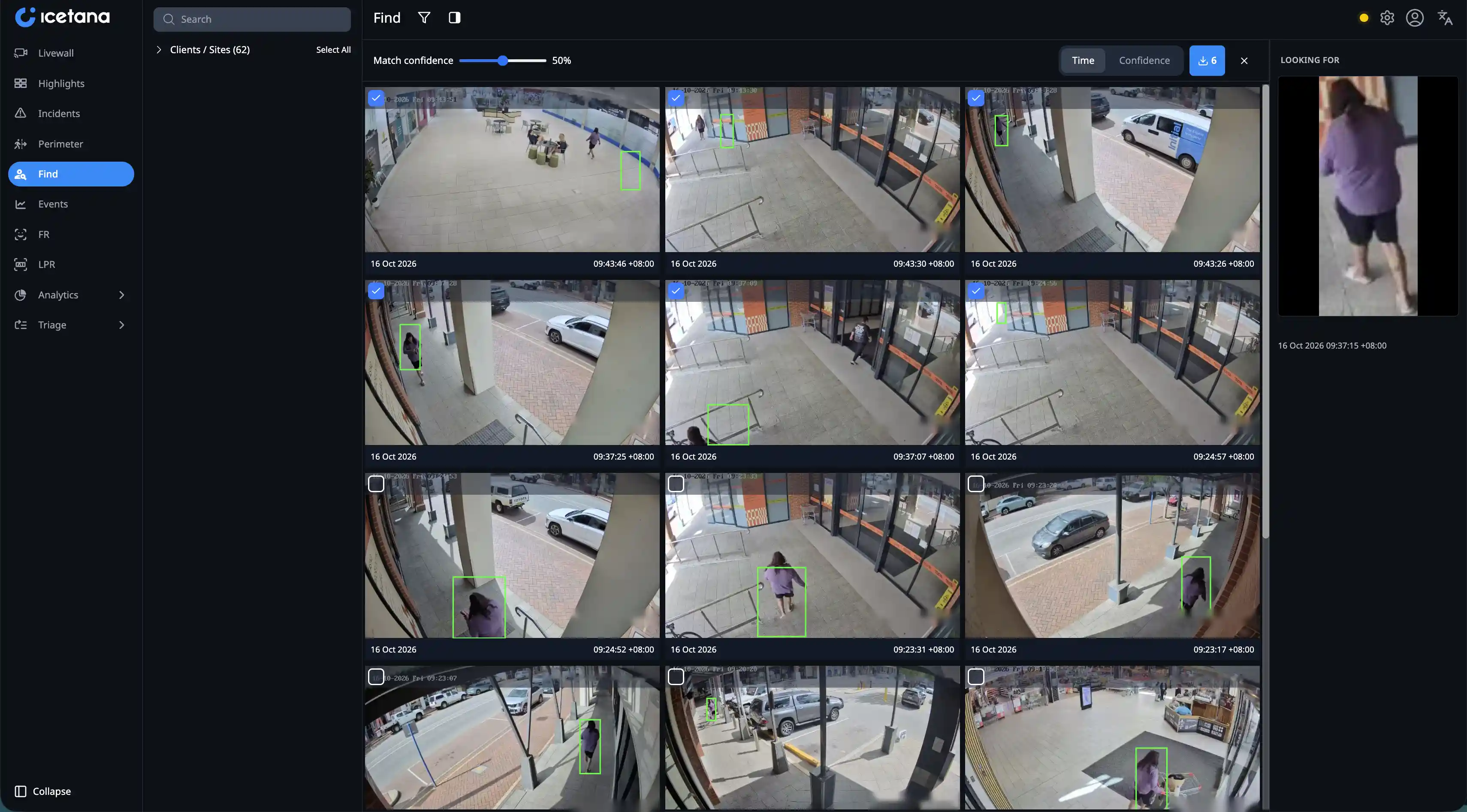
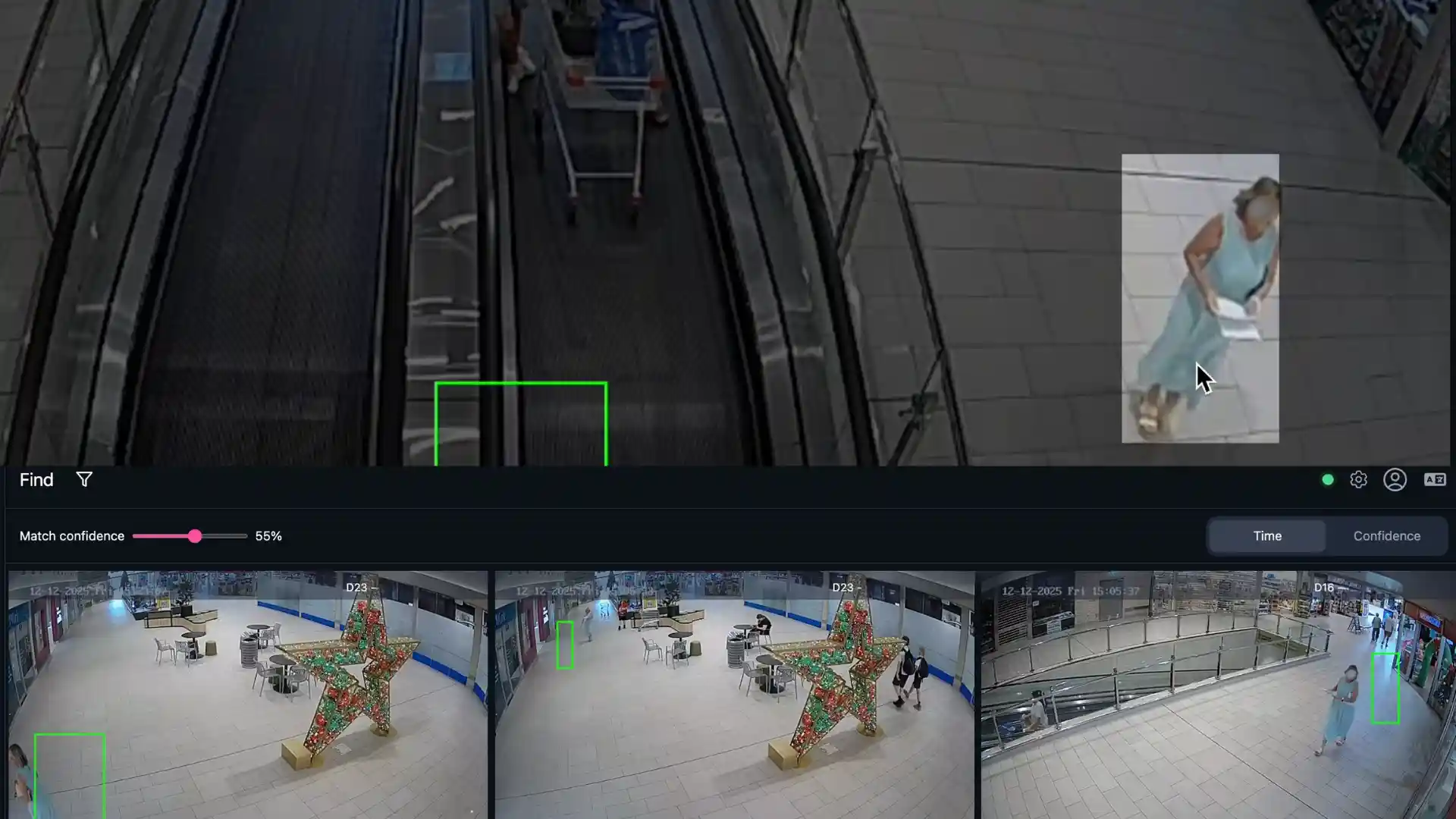
Pick a person, and icetana AI searches every camera on the site for people who look like them, ranking the closest matches first. Operators can follow that person's movements, confirm where they went and find their last known location.

You don't need to type in a description, tag any metadata or set up rules. Selecting the person is enough.
Forensic Quick find graphic

Similarity search, not facial recognition

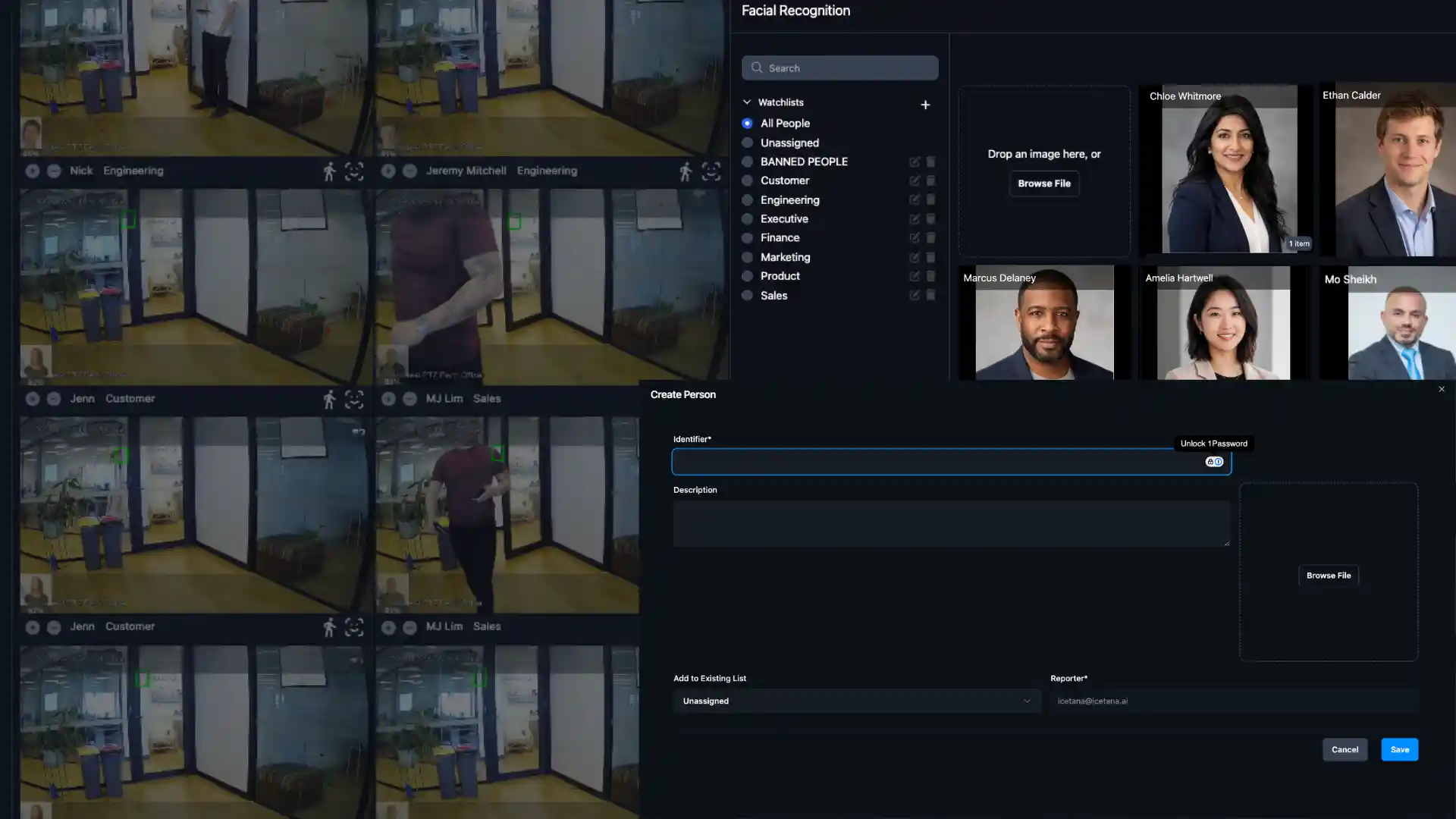
Forensic Quick Find matches people by their overall appearance, not their face. It doesn't need a clear view of someone's face to find them, so it still works when a person has their back to the camera. It is a separate product from icetana AI Facial Recognition.
icetana Forensic Quick Find

Start a search from wherever you are

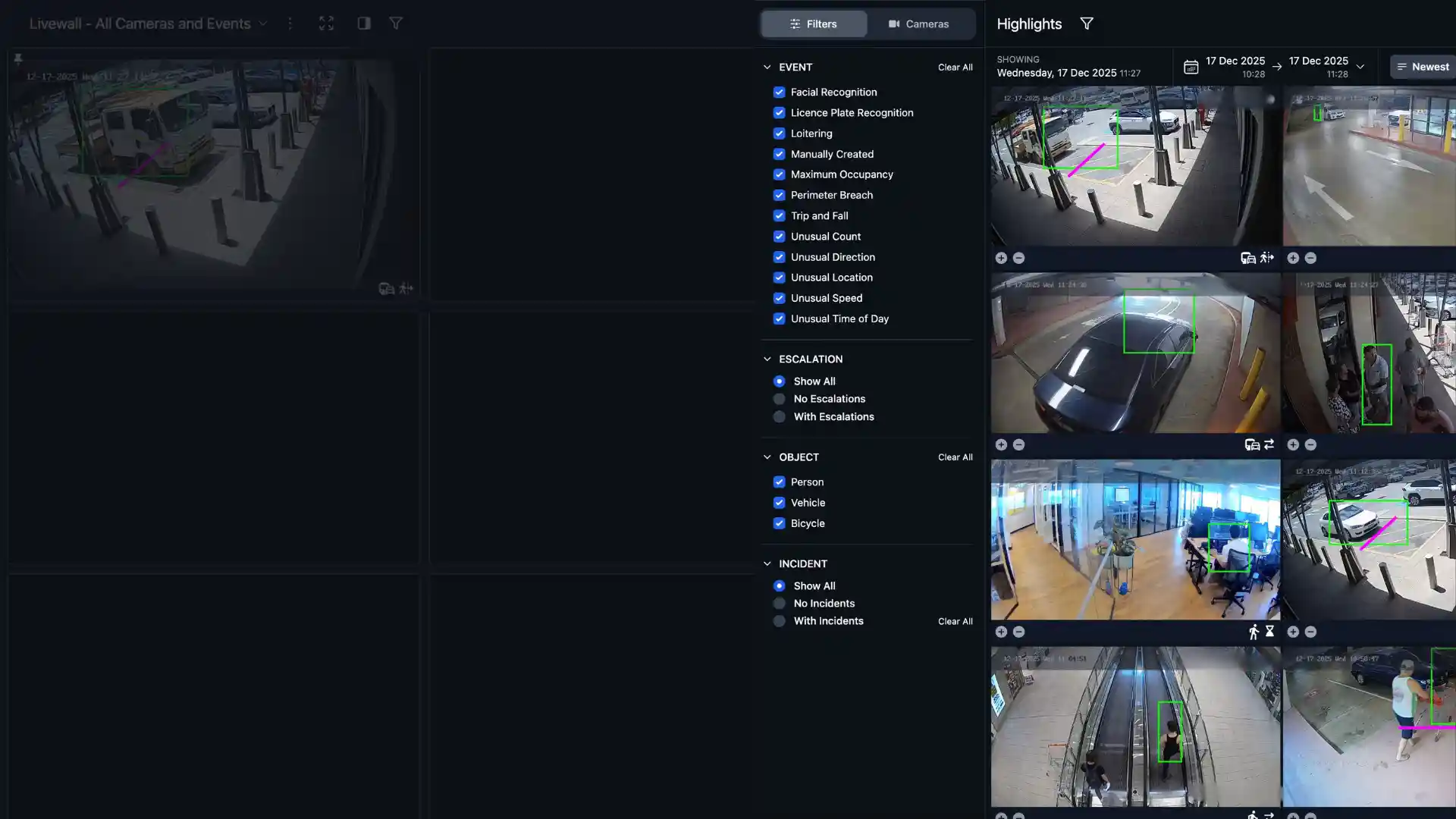
Start a search from the Livewall, from Playback at a person's last known location when nothing was flagged, or straight from the Highlights Module.

Select the person

Hover over them and click, on the Livewall, in Playback or in an the Highlights Module.

icetana AI searches the site

Every camera on the site is checked for people who look similar, with the closest matches ranked first

Follow the trail

Play back each result with only the matched person highlighted. Launch a new search from any result to keep following them, then download the clips you need in one zip file.

Less time searching, more time acting

Respond while it's happening

Start a search the moment you spot someone on the Livewall.

Find people nothing flagged

Search from Playback when a person moved through the site like anyone else, such as a missing child or a vulnerable person.

Follow a person start to finish

Chain one search into the next to build a continuous record of where someone went, ready for an incident report.

See the right person in a crowd

Playback highlights only the matched person, so operators confirm a result at a glance.

Faster, more accurate results

Searches return faster, put less load on your servers and find the correct person more often.

Evidence ready in one download

Select every relevant result and download them together as a single zip file for police, insurers or internal review.
Use cases

Built for the moments that matter

Missing person icon

Missing person

A child separated from their parent in a shopping centre or a student reported missing on campus may not have done anything unusual on camera.

Start from their last known location in Playback and see where they went next, instead of searching the site floor by floor.
Suspicious behaviour Icon

Suspicious behaviour

An operator spots someone acting suspiciously, such as a person carrying a weapon.

Launch a search from the Livewall to see where they have been on site and where they are heading.
Theft and Loss Icon

Theft and loss

Follow a suspect across cameras from the moment of the theft to the exit, identify where they went and hand over a complete set of clips to support recovery.

See Forensic Quick Find on your own cameras

Book a demo and we'll show you how quickly your team can find a person across your site, from the Livewall, Playback or an event.
— OUR PRODUCTS

icetana AI Suite

icetana Safety and Security is the foundational product, complemented by a suite of AI-driven products.
FAQ's

Frequently Asked Questions

Everything you need to know about icetana Forensic Quick Find
Does Forensic Quick Find use facial recognition?
No. It uses similarity search to match people by their overall appearance, not their face. icetana AI Facial Recognition is a separate product.
Do I need an icetana AI event to start a search?
No. You can start a search from the Livewall, from Playback or from an icetana AI event.
Can I search for a missing person if no event was raised?
Yes. Go to Playback, find the person at their last known location and launch Forensic Quick Find from there.
Can I export the results?
Yes. Select the results you need and download them together as a single zip file.
Whats the search timeframe of using Forensic Quick Find?
A search launched uses footage from the site that is between 60 seconds and 6 hours old. Activity from the last 60 seconds can't be used to start a search yet.
What industries can use icetana Forensic Quick Find?