
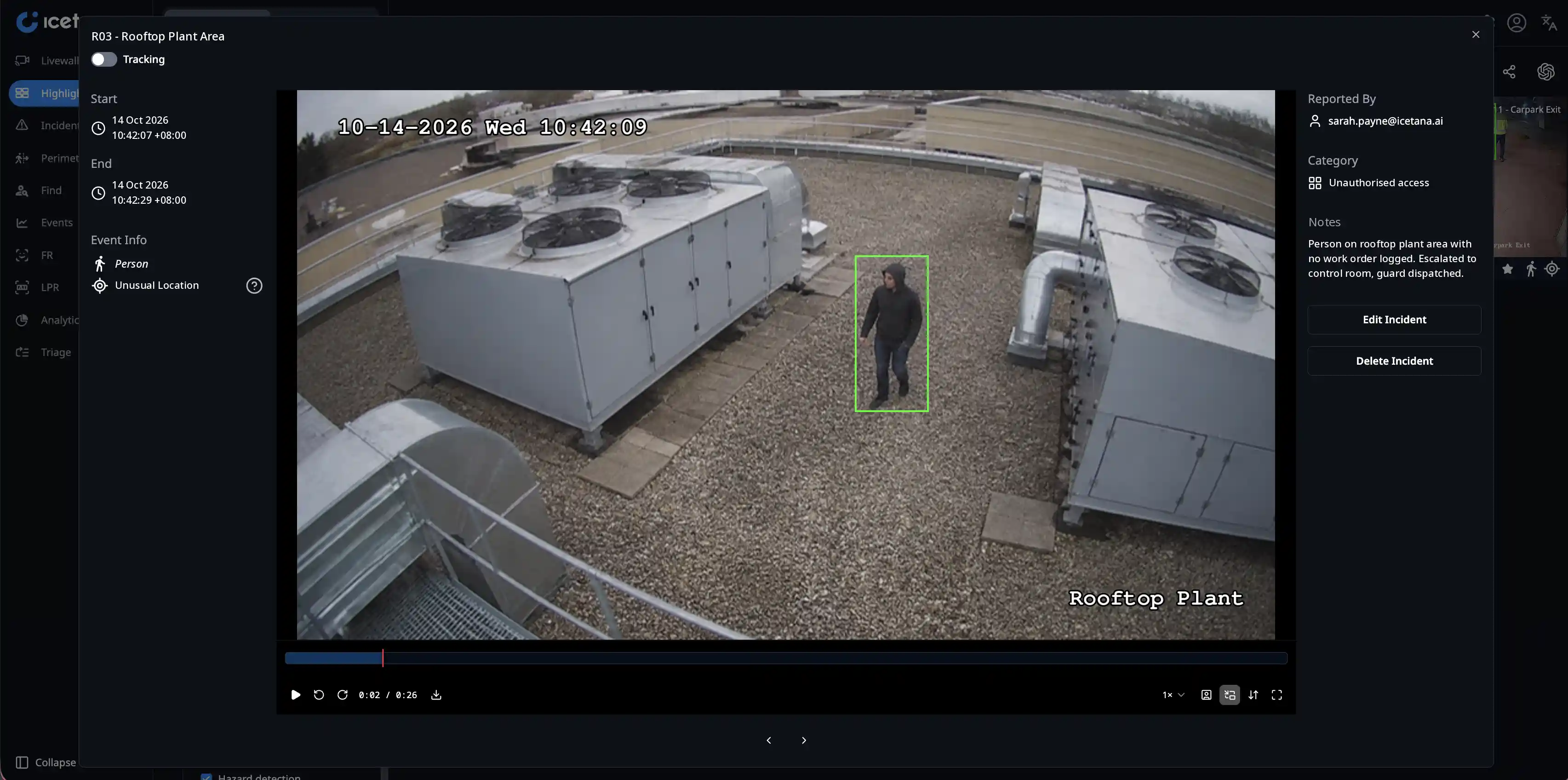
Unusual Location
Learns where people and vehicles normally are in a scene.
Flags: people on rail tracks or in tunnels, vehicles on footpaths, fence climbing, access to no-go zones, camera tampering.
Explore Unusual Location →


Safety and Security learns what normal looks like on each of your cameras, then puts only the events that break the pattern in front of your operators.
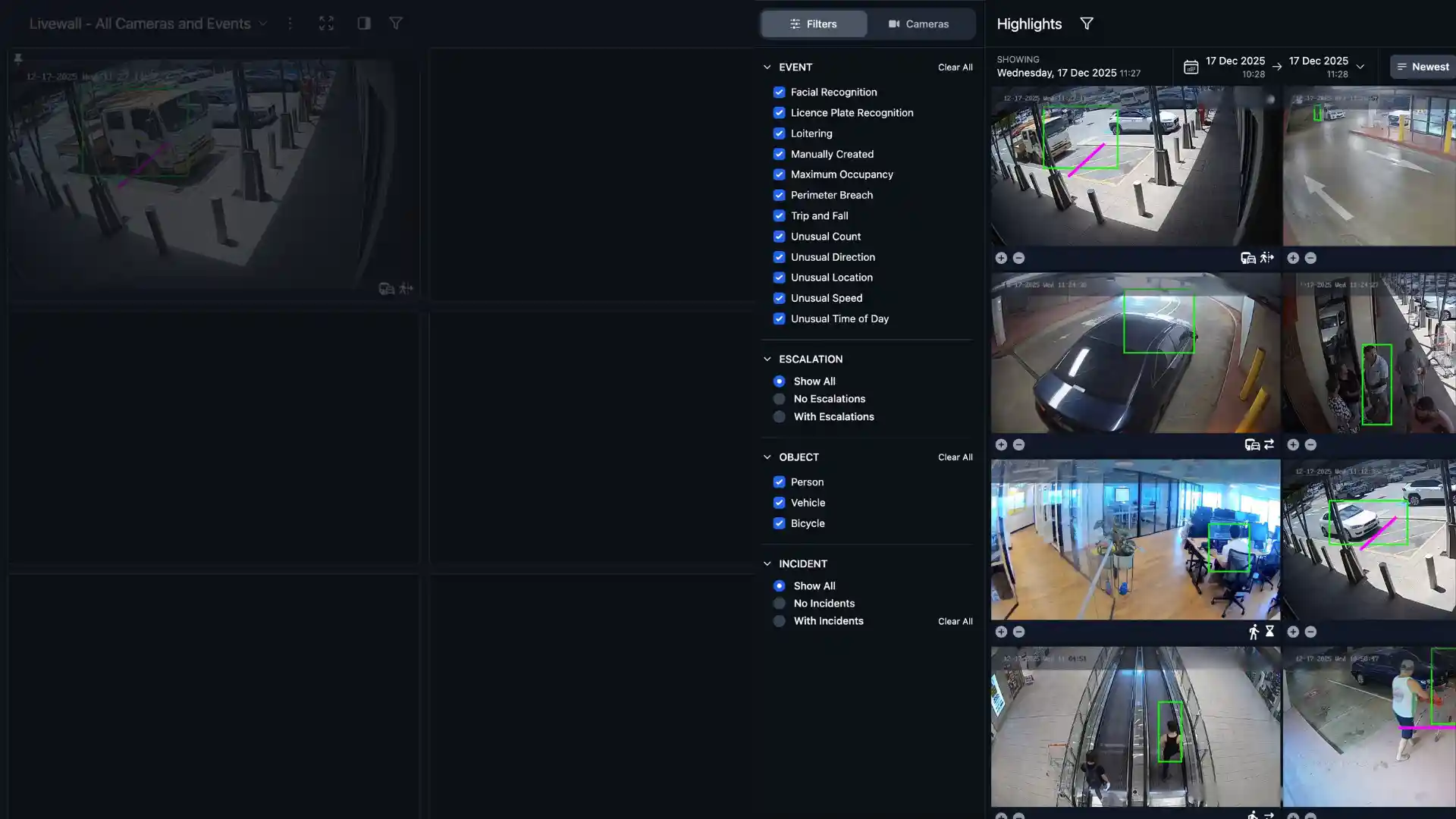
Camera networks keep growing and control rooms don't. Nobody can watch more than 50 feeds at once, so incidents get found on playback the next morning instead of while they're happening. Rules-based analytics don't fix it: every camera needs its own setup, and the false alarms pile up until operators stop trusting them.
Connect icetana AI to your cameras and it spends the first 24 hours learning the usual activity in each scene: where people and vehicles go, how fast, how many and at what time of day.
Events that break the pattern go straight to the Livewall, so operators look at a handful of clips instead of a wall of quiet cameras.
Over roughly the first week the system tunes itself to your site, and operator feedback keeps refining what counts as worth a look.
Each algorithm builds its own picture of normal for each camera and each hour of the day. Nothing to draw, no thresholds to guess.
Learns where people and vehicles normally are in a scene.
Flags: people on rail tracks or in tunnels, vehicles on footpaths, fence climbing, access to no-go zones, camera tampering.
Explore Unusual Location →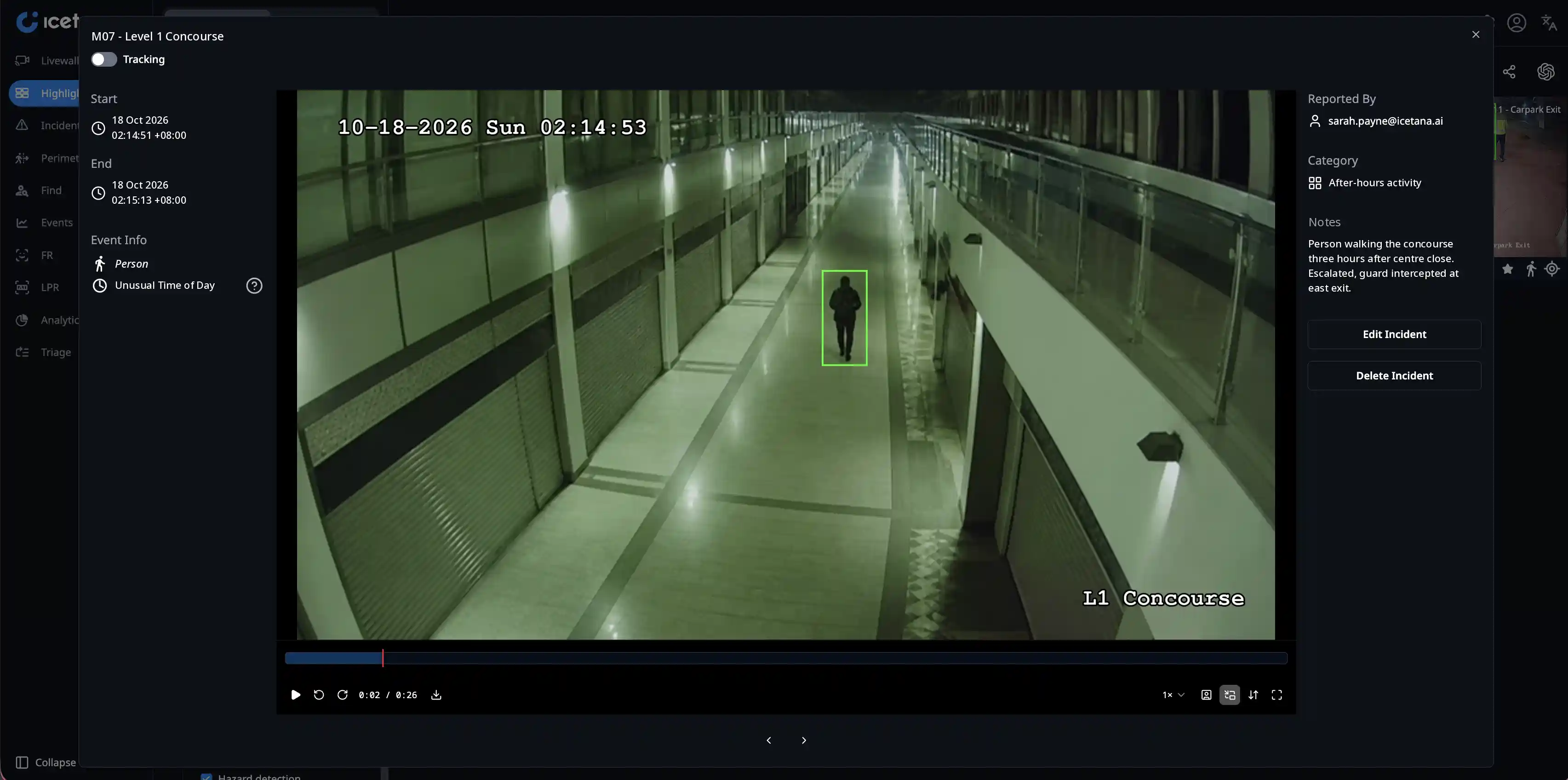
Learns how busy each scene is, hour by hour.
Flags: vehicles in a car park at 2am, workers on site outside their shift, entry to restricted areas outside permitted times.
Explore Unusual Time of Day →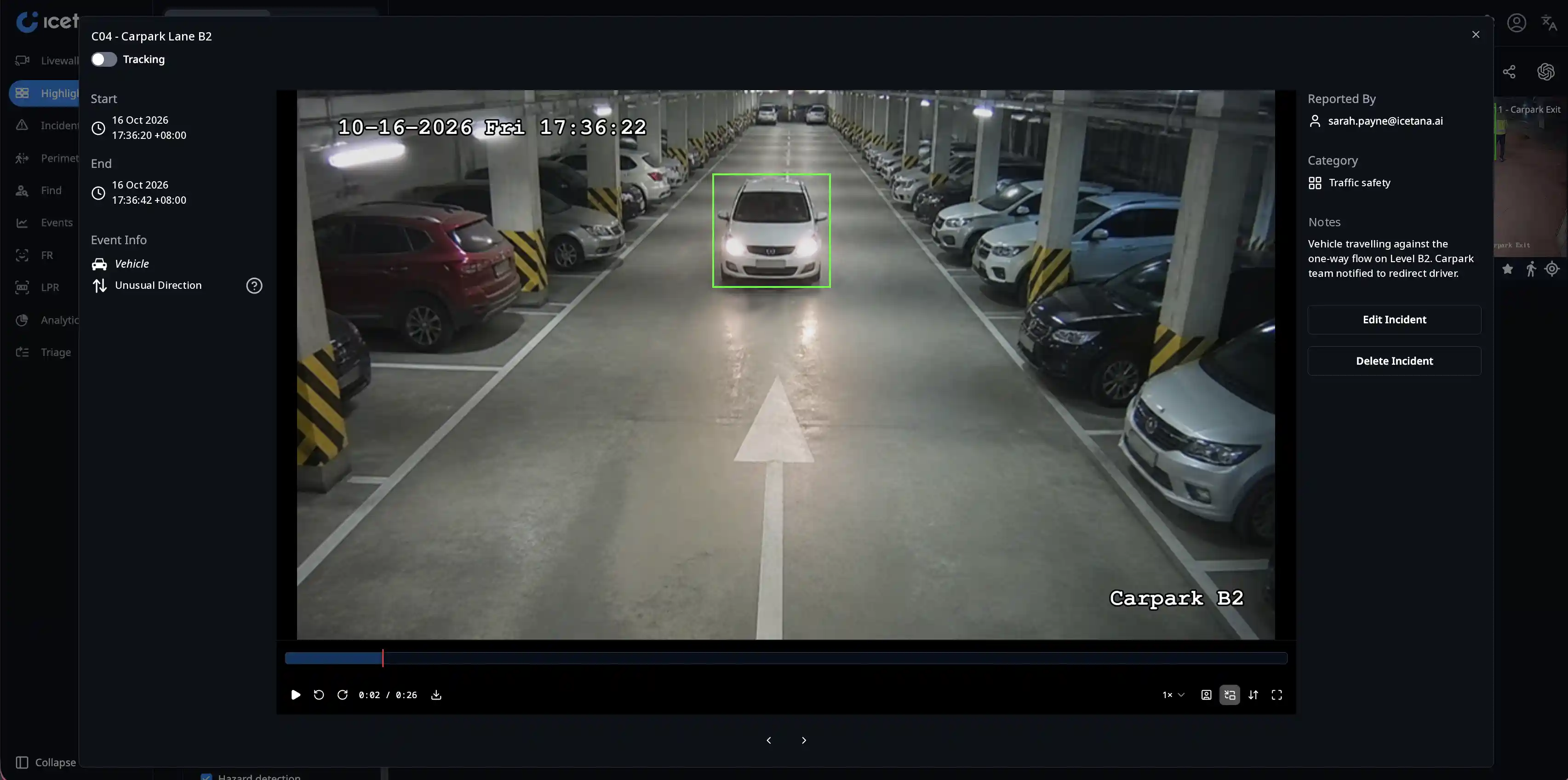
Learns the normal flow of people and traffic.
Flags: cars driving the wrong way in a car park or on a road, people heading the wrong way on an escalator.
Explore Unusual Direction →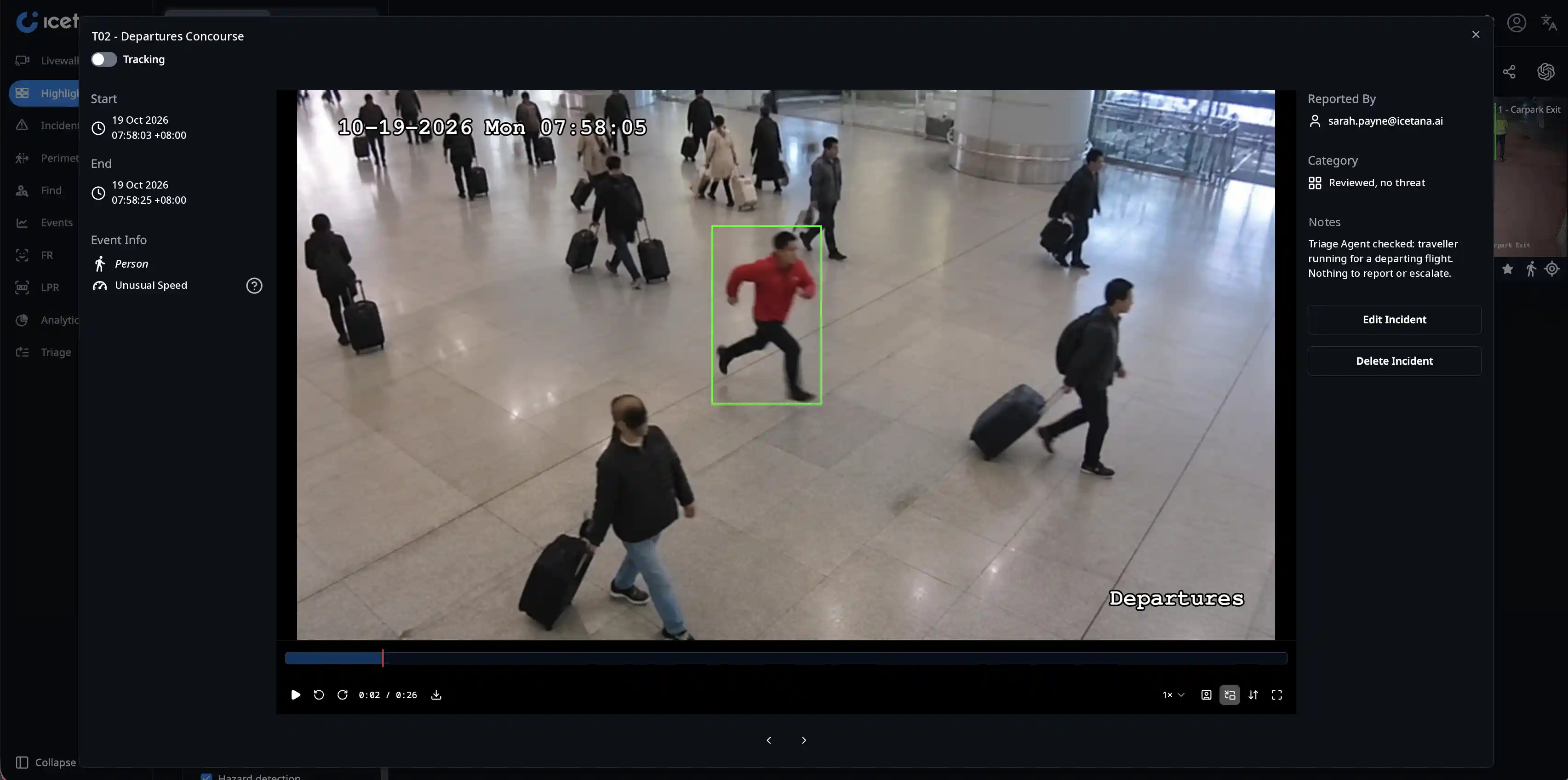
Learns how fast people and vehicles usually move.
Flags: someone running from a scene, speeding vehicles, scooters through a shopping centre.
Explore Unusual Speed →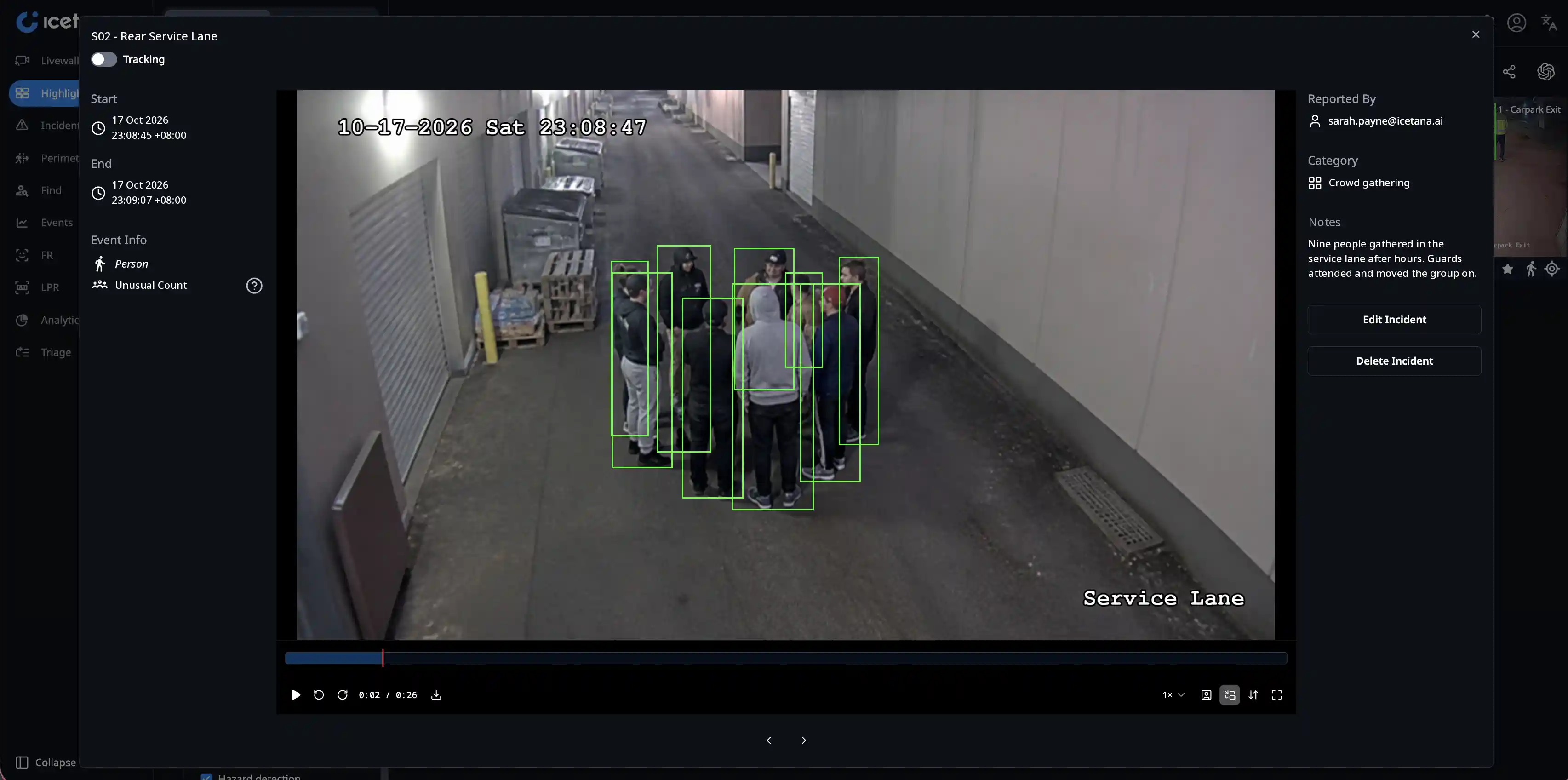
Learns how many people and vehicles to expect at each hour.
Flags: crowds forming, traffic backing up, groups gathering at emergency exits, protest activity.
Explore Unusual Count →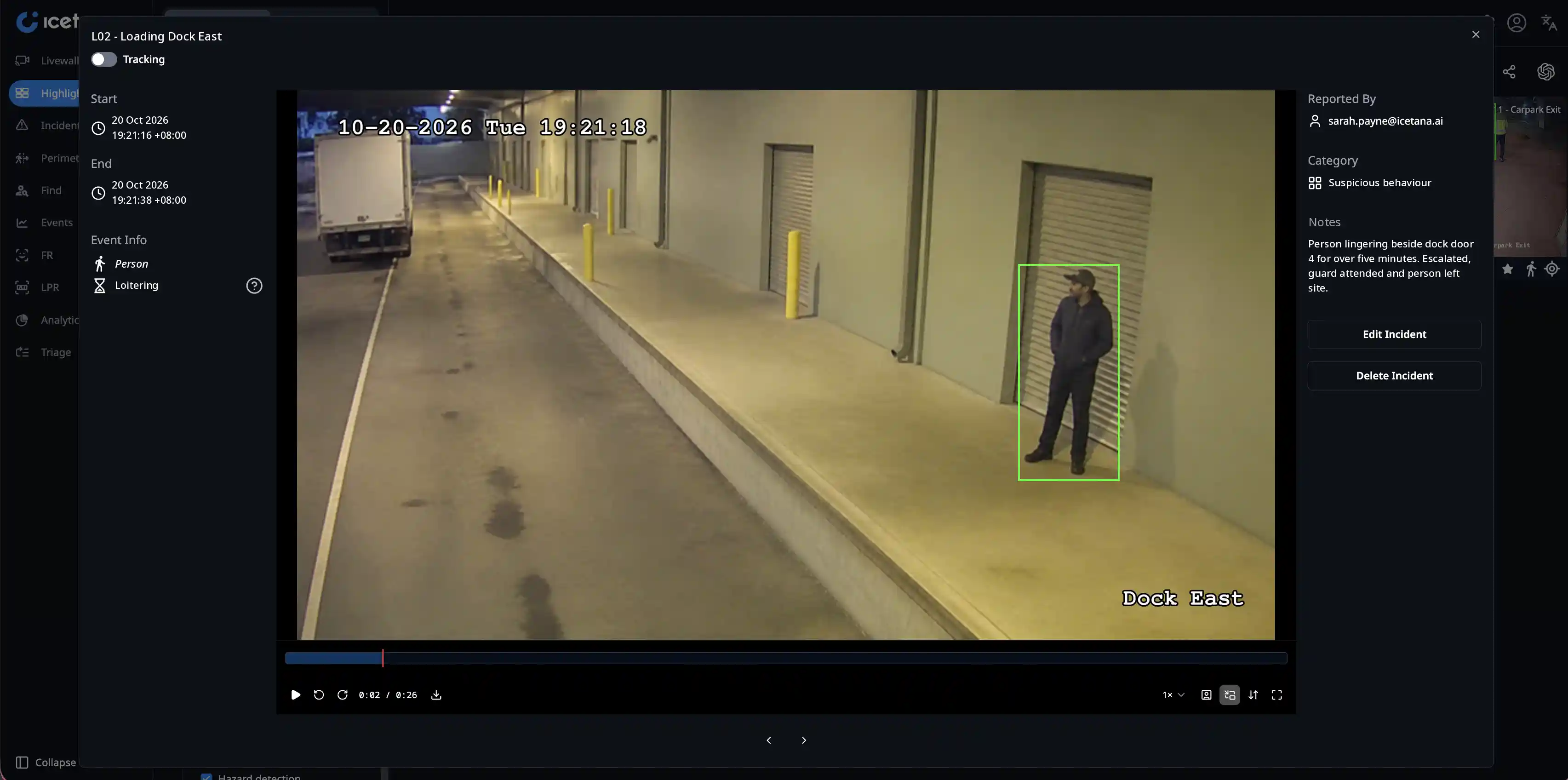
Learns how long people normally stay in a scene, so a lunch queue is ignored and someone lingering by a loading dock is not.
Flags: lingering near restricted areas, groups starting to form, smoking in unauthorised areas.
Explore Loitering →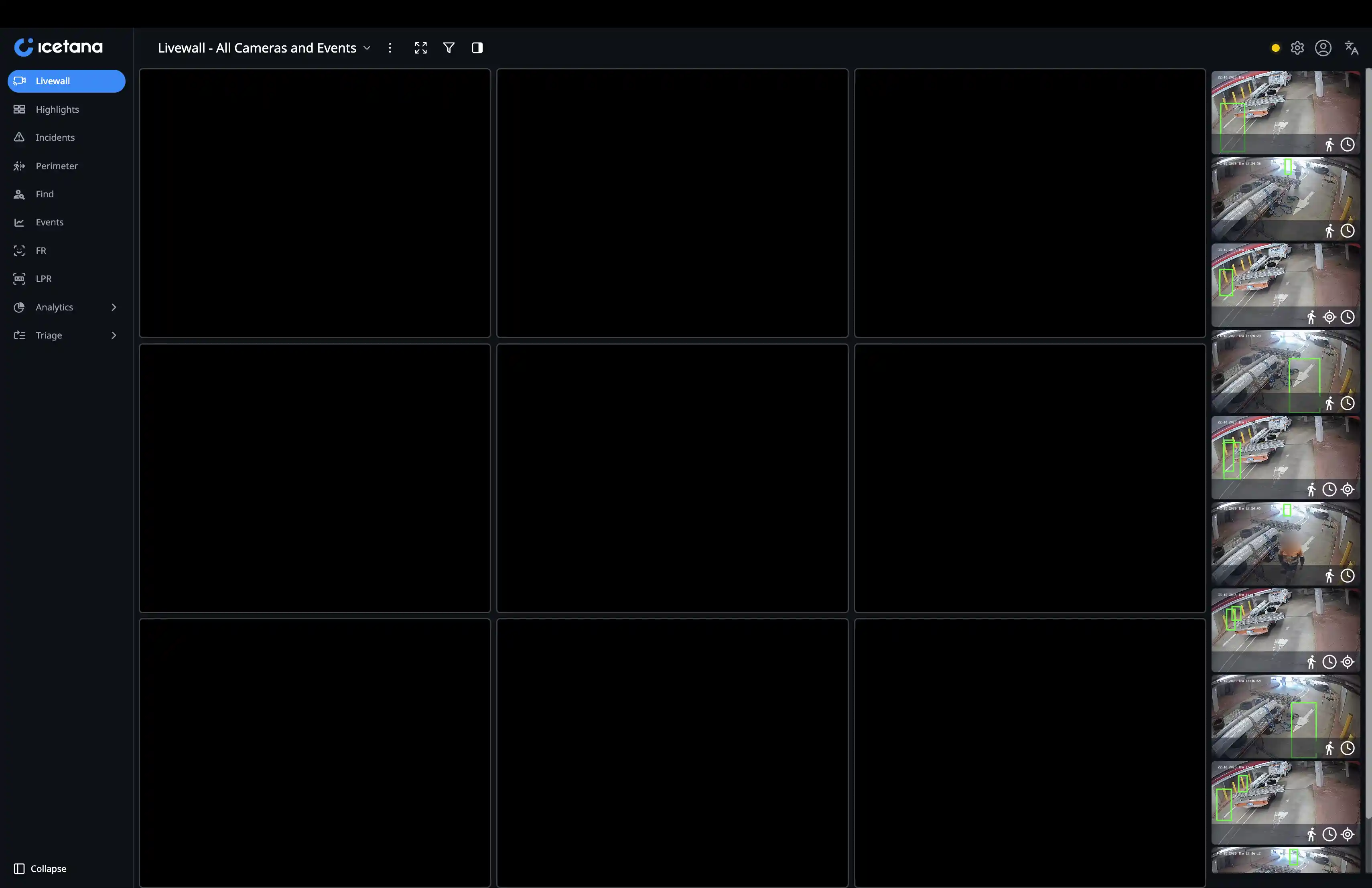
Live events from every camera on one screen, with the reason each one was raised.
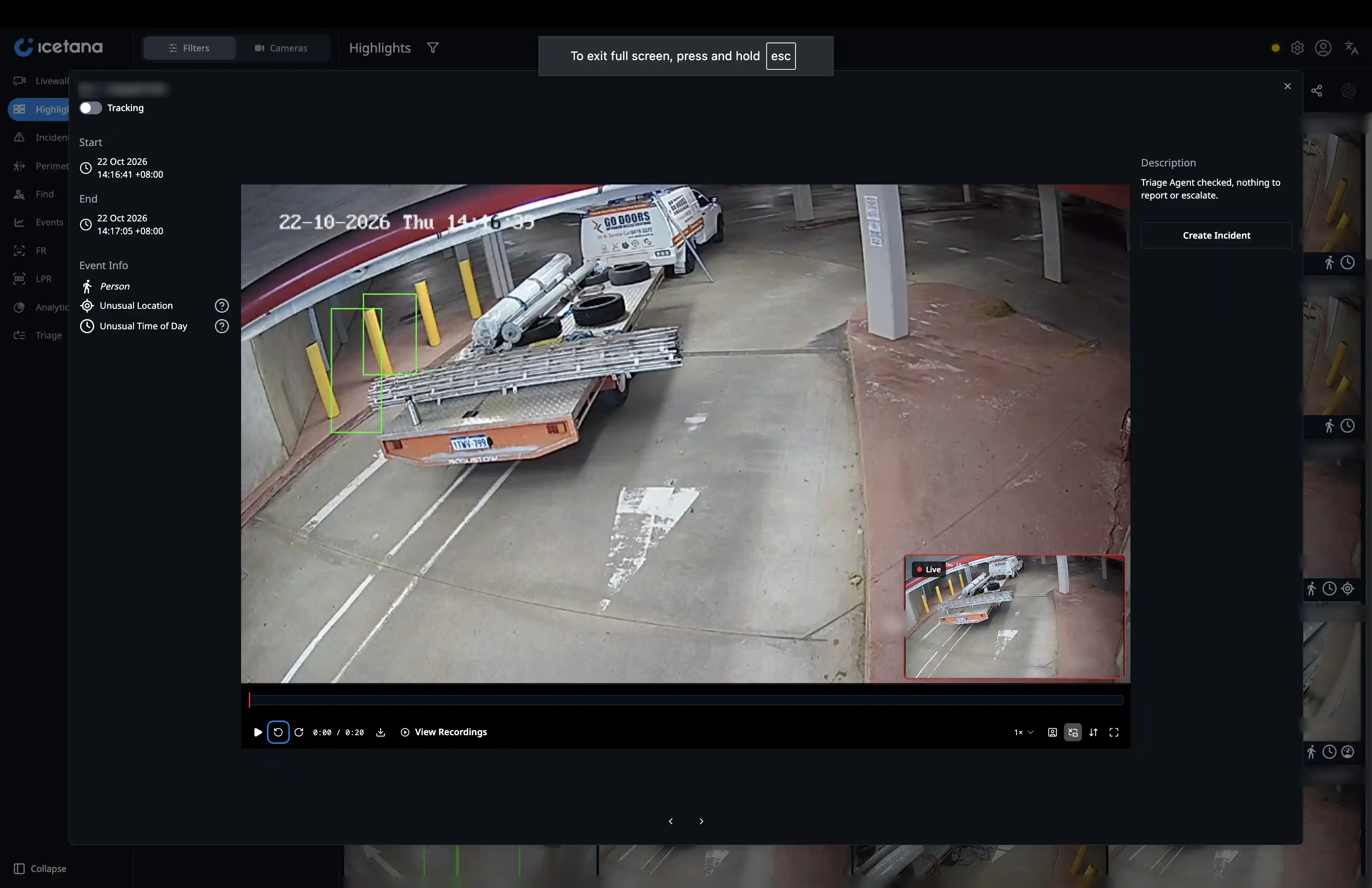
Play back the clip, mark it and teach the system what matters on your site.
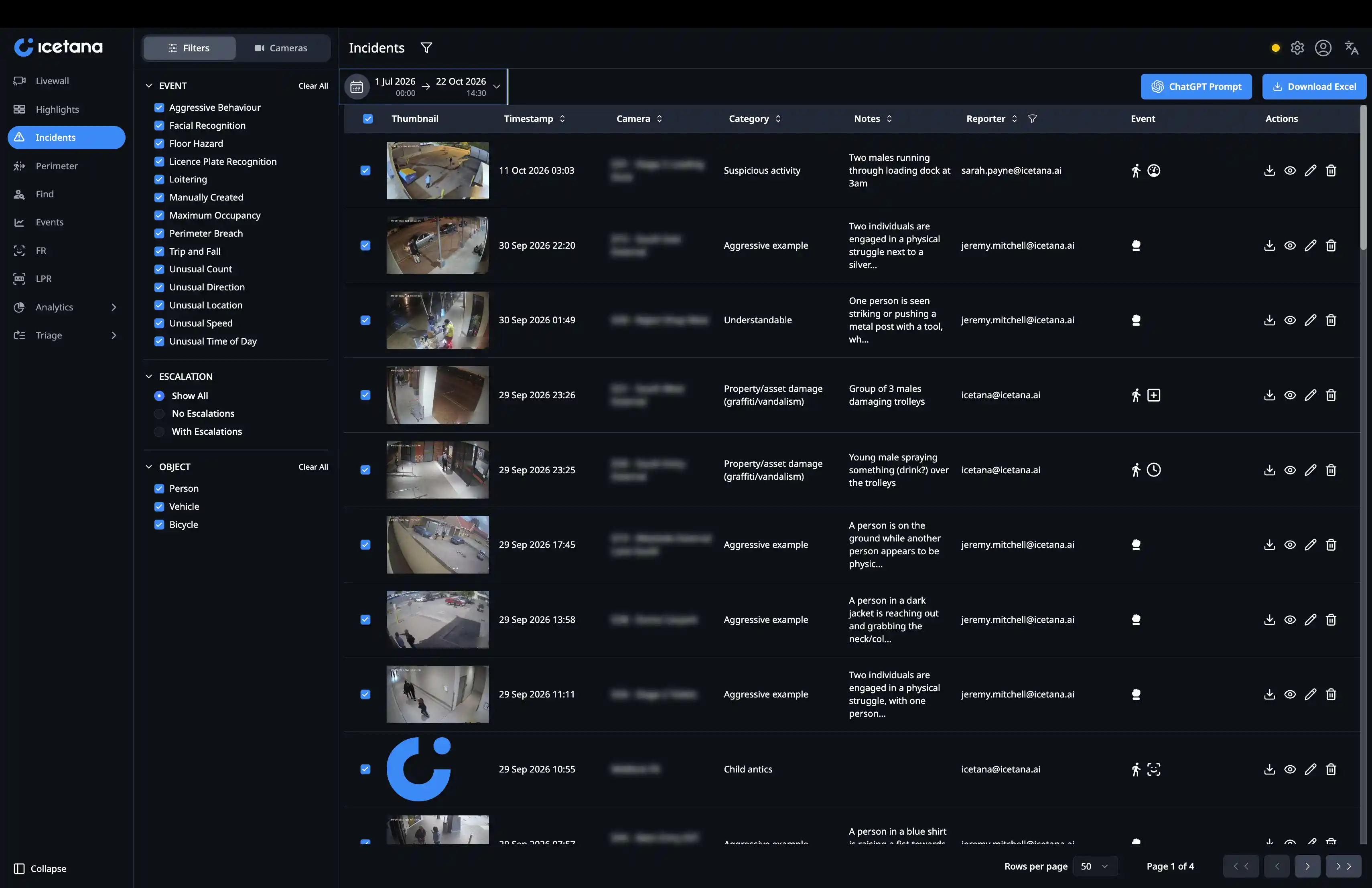
Event and count data by camera and time range, ready to export.
Your existing cameras and VMS, including Genetec, Milestone and Nx Witness. No specialist hardware.
Runs on-prem, including fully air-gapped dark sites. icetana has no access to your footage or data. Keep your AI agents on-site too with Antara Core
Designed for deployments from 200 cameras into the thousands.
Secure remote access for supervisors and after-hours teams.
At one of Malaysia's largest shopping centres, icetana AI runs across more than 1,000 cameras. Crime fell 58.8% over five months, and on-ground security staff came down 60%. Read the 1 Utama case study
icetana Safety and Security is the foundational product, complemented by a suite of AI-driven products.
Enable security personnel to proactively recognise incidents as they happen with 24/7 real time surveillance.
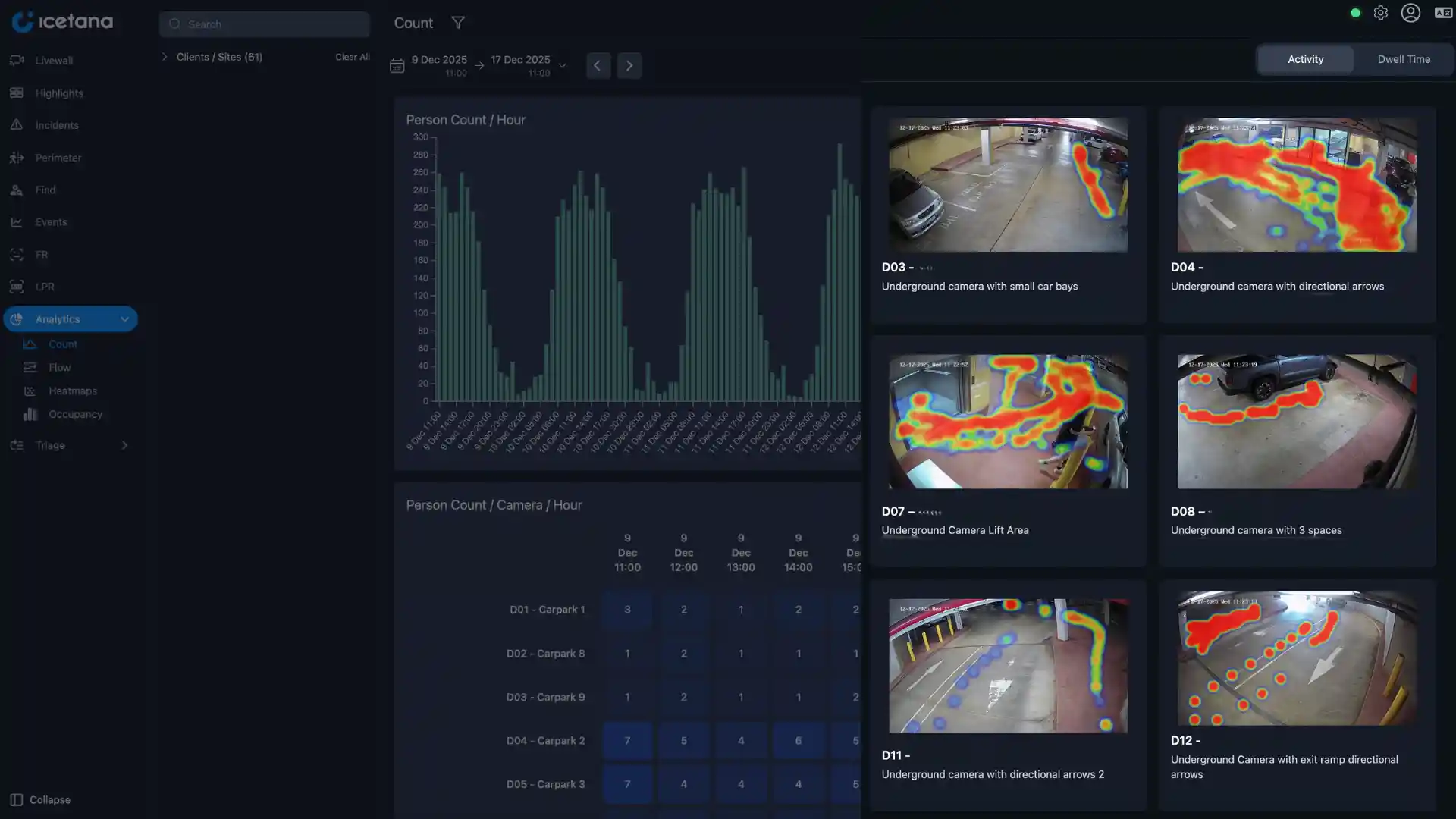
Transform surveillance data into actionable insights at scale
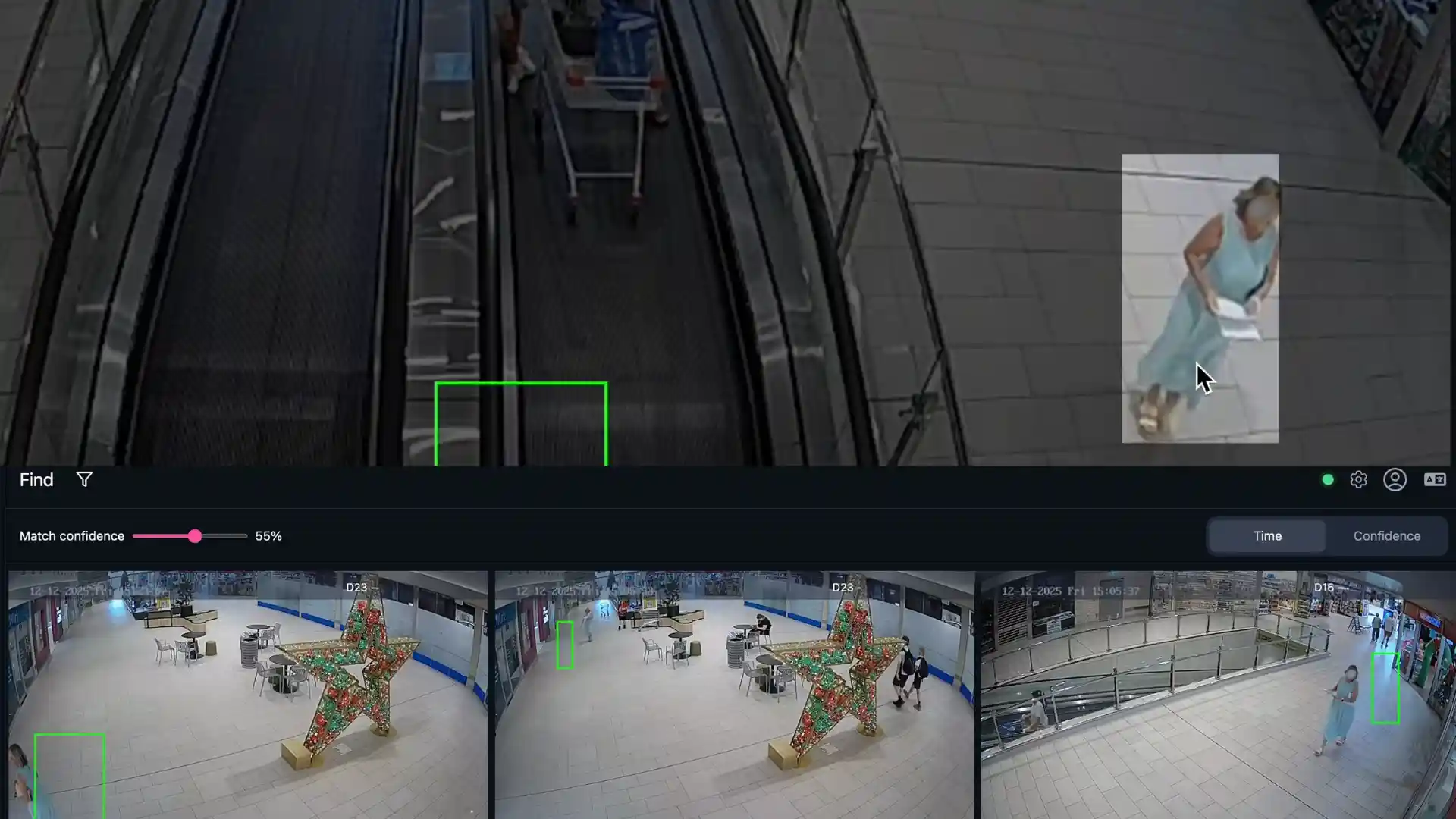
Locate individuals of interest across all sites in real time
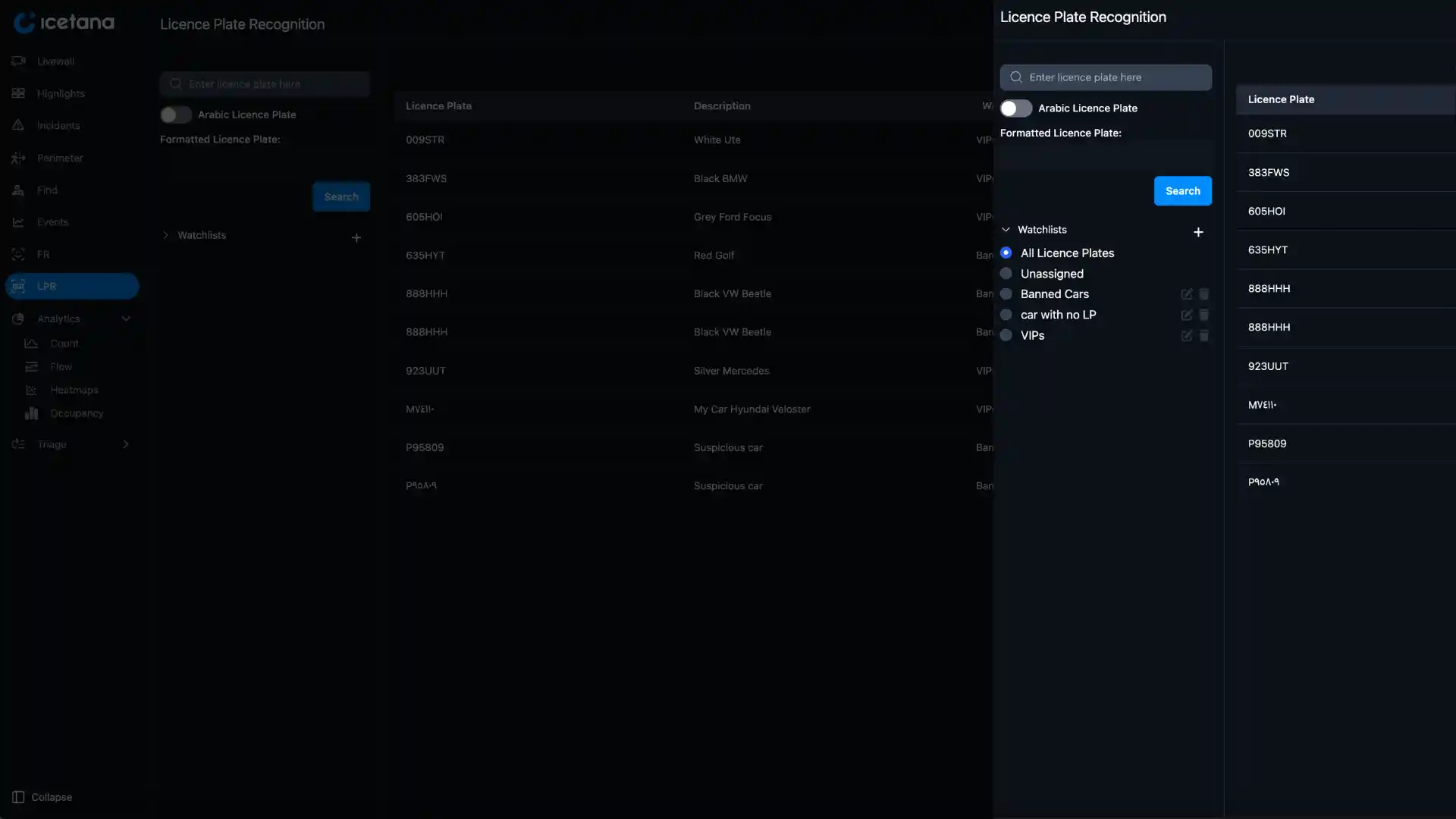
Detects licence plates in real time
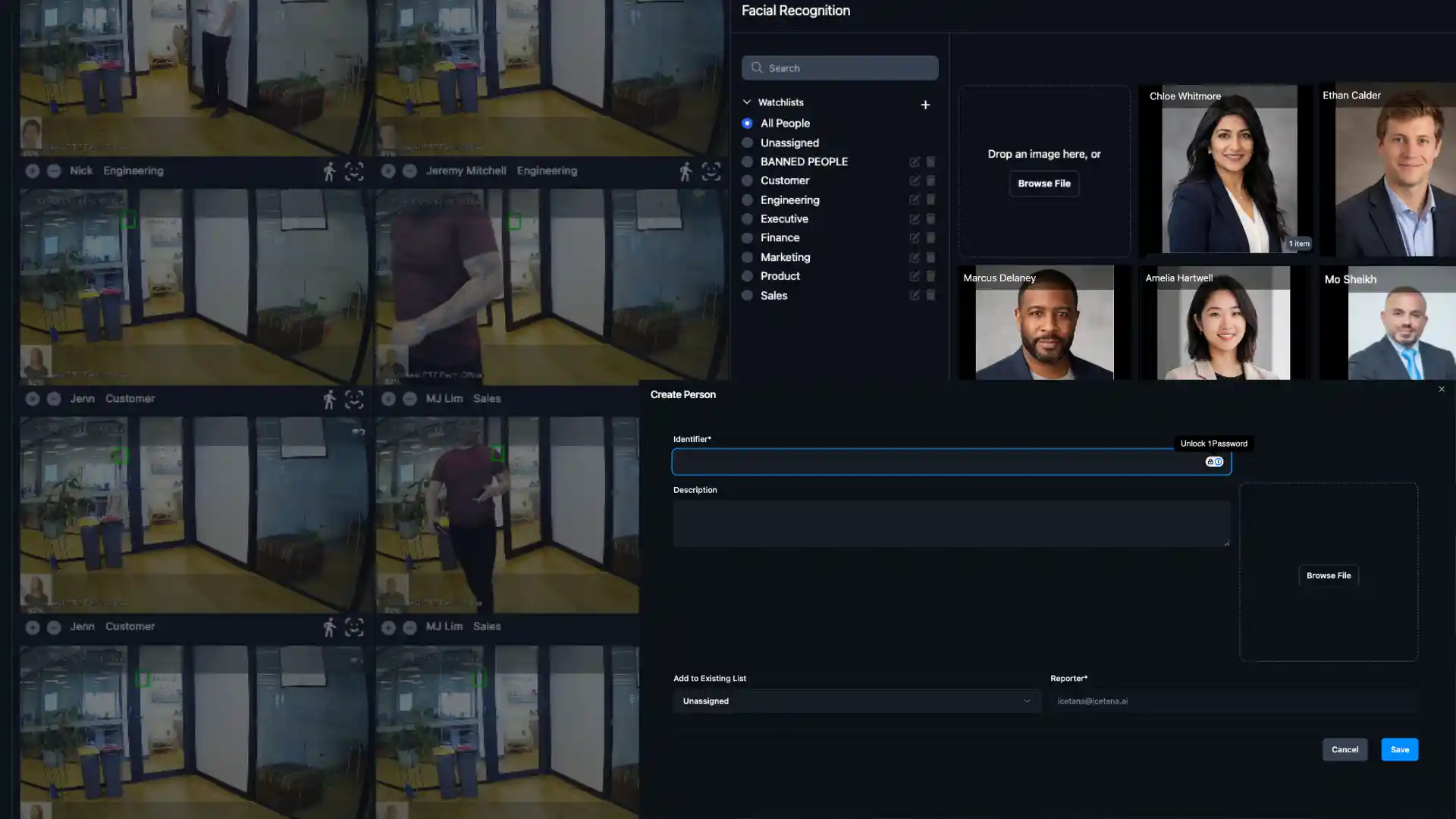
Identify individuals instantly with facial recognition
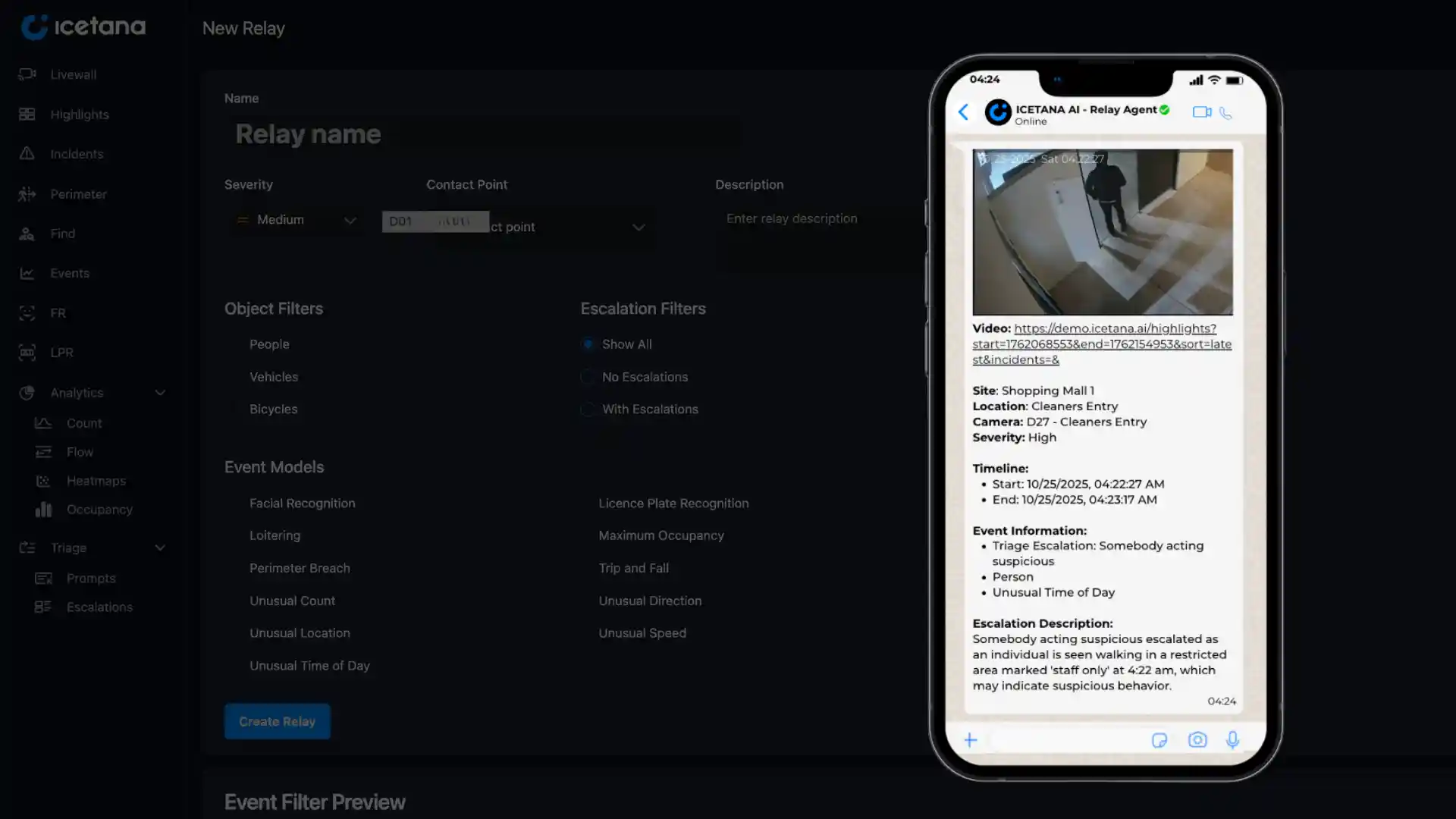
Route real-time event notifications directly to the communication platforms your team already uses.
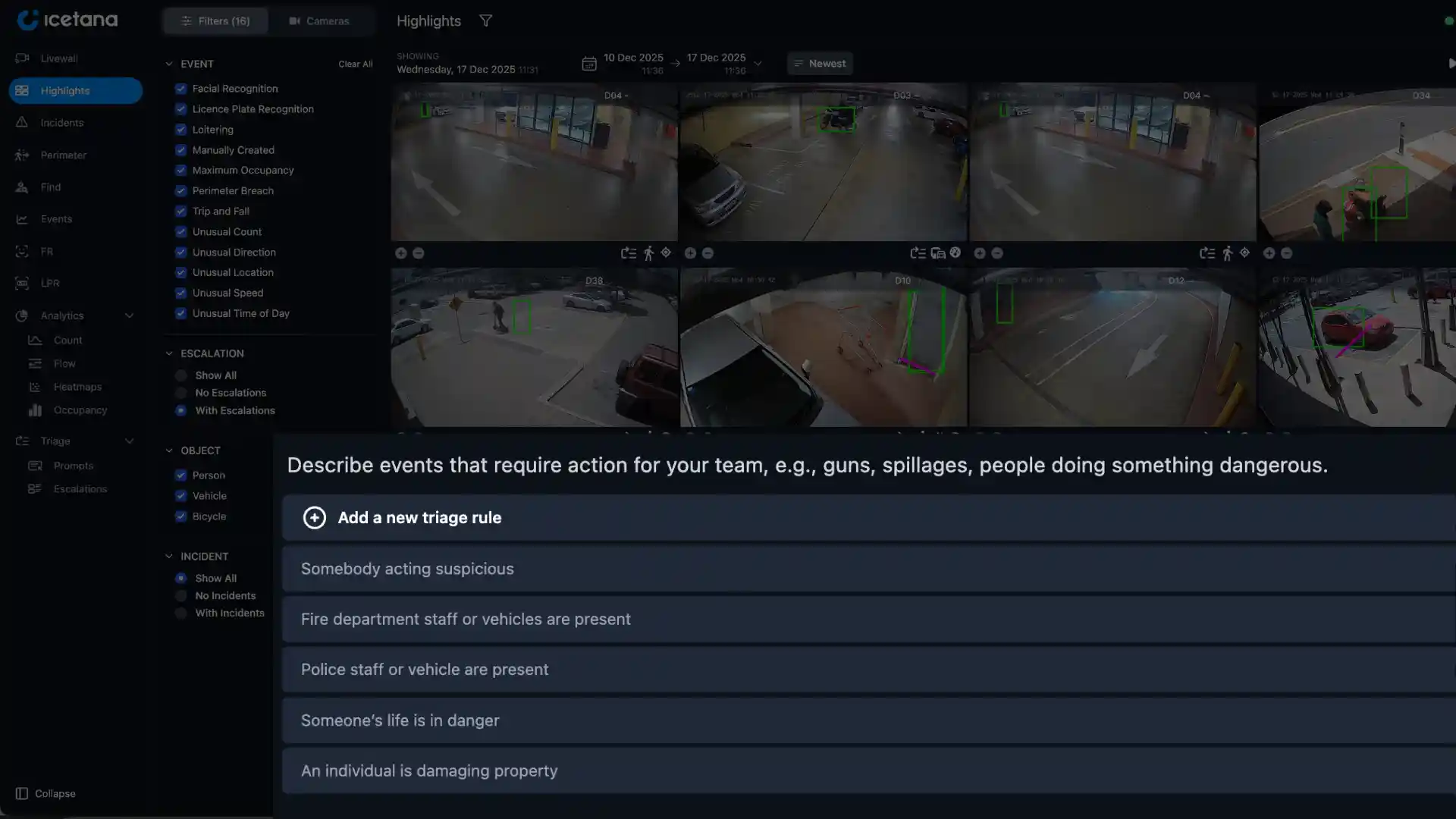
Get notified only about what truly matters to you.
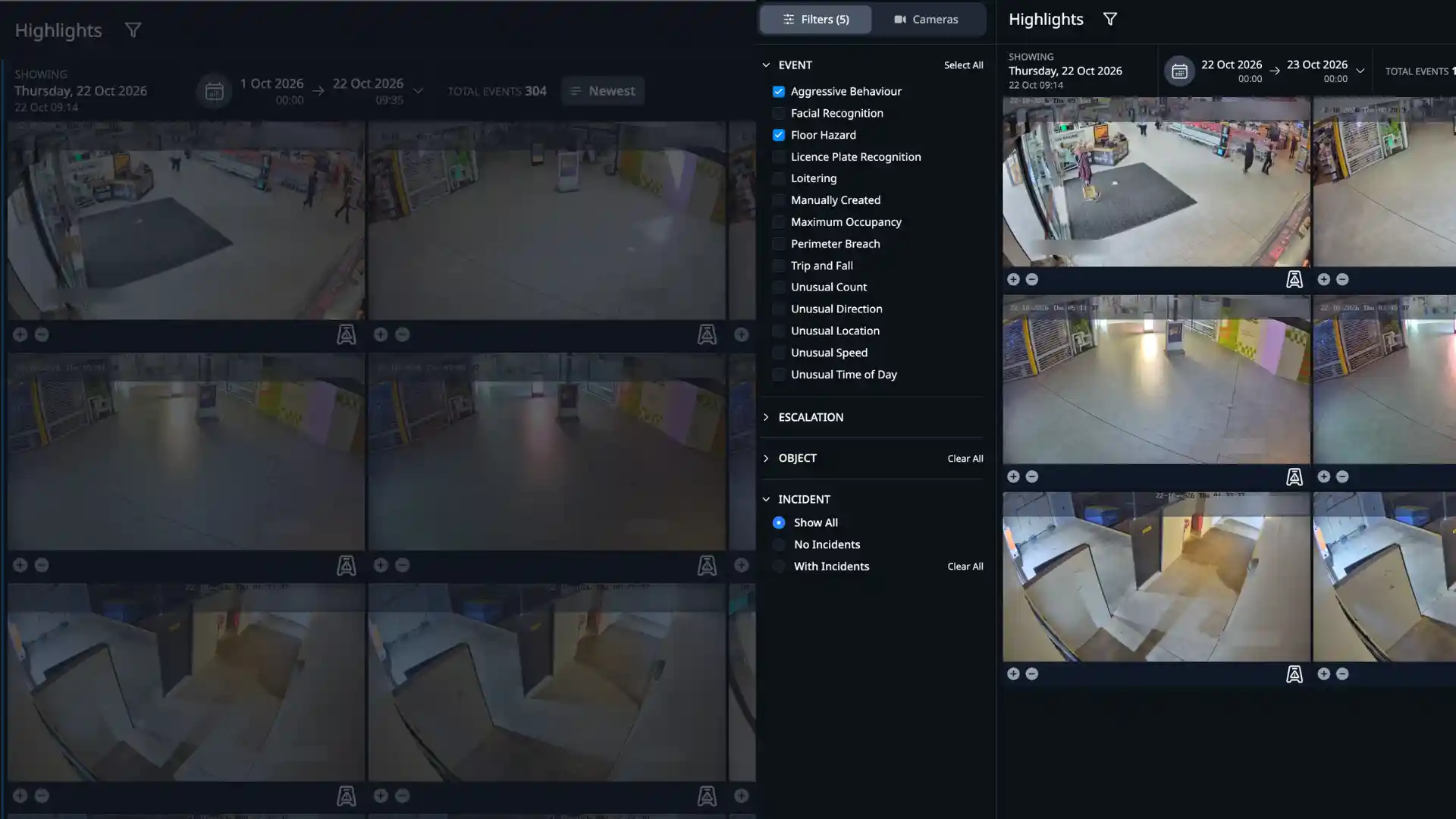
Detect the specific events
you choose
FAQs
icetana Safety and Security uses artificial intelligence to analyse CCTV streams automatically. It learns what normal looks like on each camera and shows security staff the events that break the pattern, in real time. Book a free demo
Rules-based analytics need someone to set up every camera with lines, zones and thresholds, and the false alarms pile up whenever a scene changes. icetana AI learns what normal looks like on each camera, hour by hour, and flags only the events that break the pattern, within 3 seconds. Operator feedback keeps refining what counts as worth a look.
No. There are no rules, lines or zones to draw and no thresholds to guess. Six self-learning algorithms build their own picture of normal for each camera and each hour of the day, covering location, time of day, direction, speed, count and loitering.
icetana AI starts learning as soon as it is connected to your cameras. It spends the first 24 hours learning the usual activity in each scene, then tunes itself to your site over roughly the first week. Operator feedback keeps improving it from there.
icetana AI works with Genetec Security Center, Milestone and Nx Witness, using the cameras you already have. No specialist hardware is needed.
Yes. Safety and Security runs on-prem, including fully air-gapped dark sites, so your video stays inside your own network. icetana has no access to your footage or data.
Safety and Security is designed for deployments from 200 cameras into the thousands.