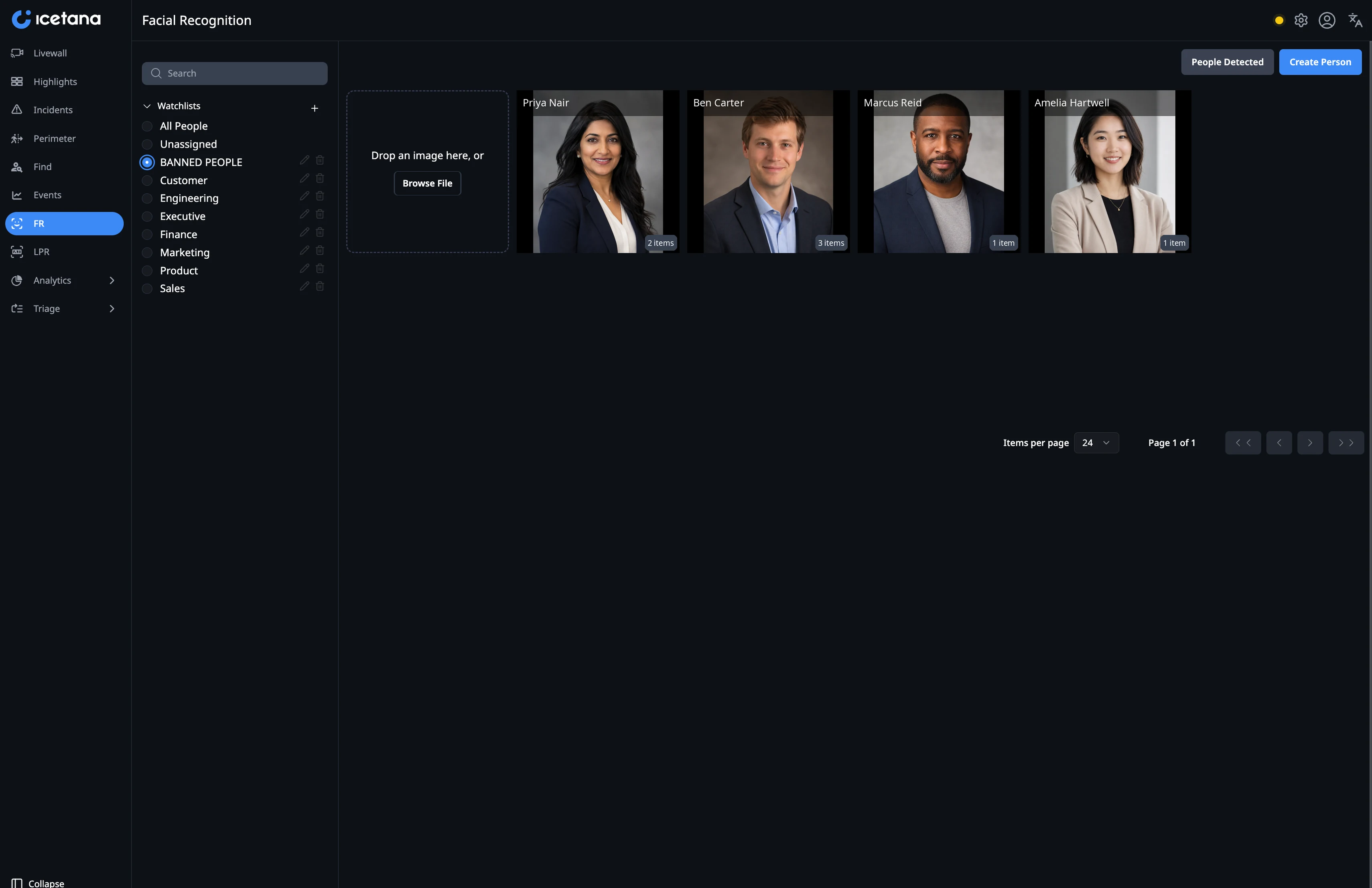
Customisable watchlists
Automatically notify your security team when a person of interest on your watchlist enters your site.
Use it for: banned patrons, people with exclusion notices, known repeat offenders or VIP guests.

Facial Recognition is an optional add-on to icetana AI Safety & Security. It matches faces on your cameras against the watchlists you create and sends an event to the Livewall as soon as a person of interest is seen.
Used only to keep people safe. An optional add-on to Safety & Security
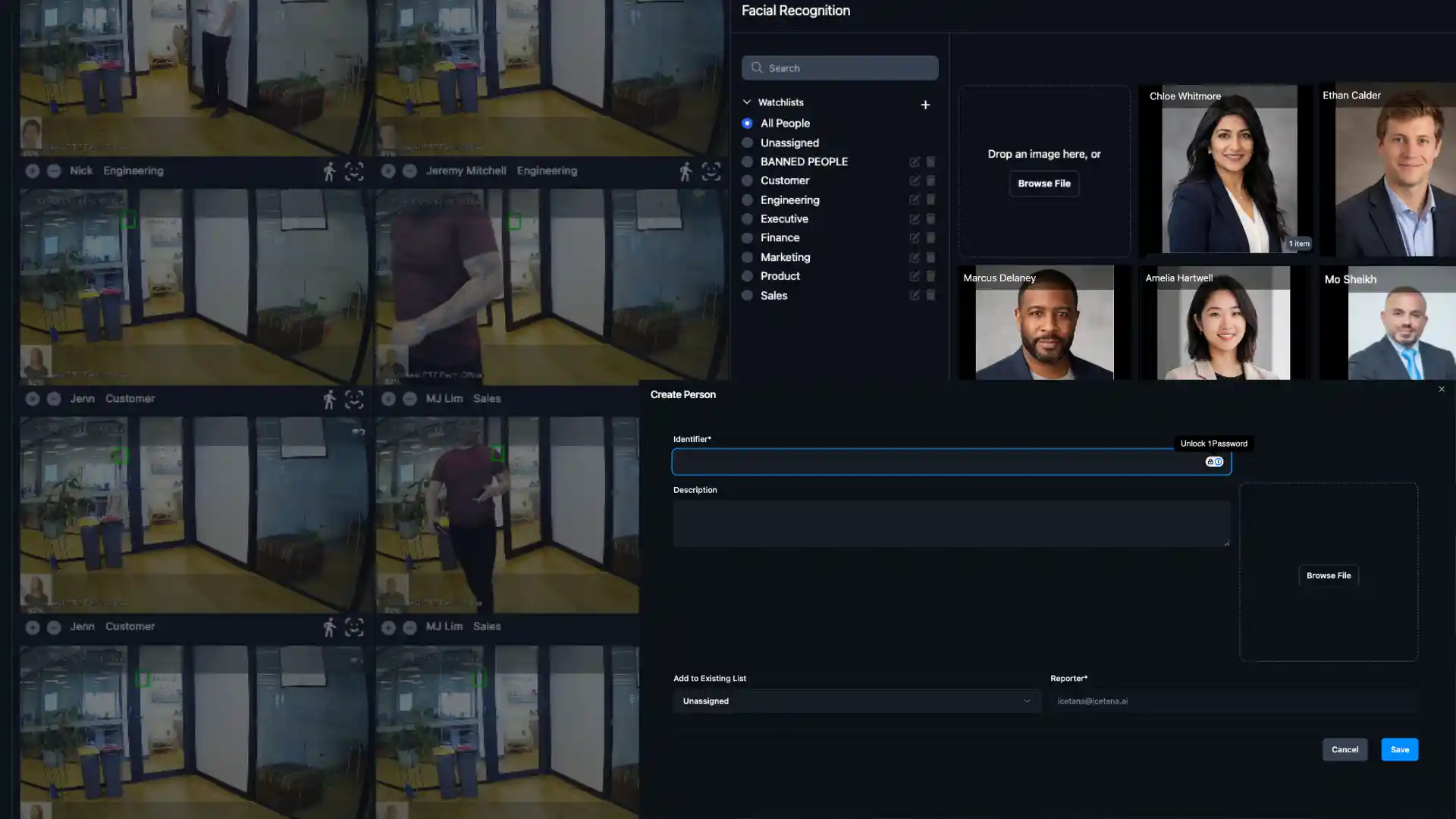
Shopping centres, hotels and campuses see thousands of people every day. Operators can't recognise every person by sight across hundreds of cameras, so a VIP's arrival goes unnoticed and a banned person is only spotted after something has already happened. In Singapore's shopping malls, government agencies, and high-end hotels, resorts and casinos, Facial Recognition helps security teams spot banned individuals and recognise VIPs the moment they arrive.
Create custom watchlists for your site. Name each watchlist and select which cameras you want to monitor.
Upload one or more images of each person and add their details.
Assign different watchlists to specific Livewalls and notify on-site security teams through Relay.
You decide who's on each list. Facial Recognition only matches against the images you add.
Automatically notify your security team when a person of interest on your watchlist enters your site.
Use it for: banned patrons, people with exclusion notices, known repeat offenders or VIP guests.
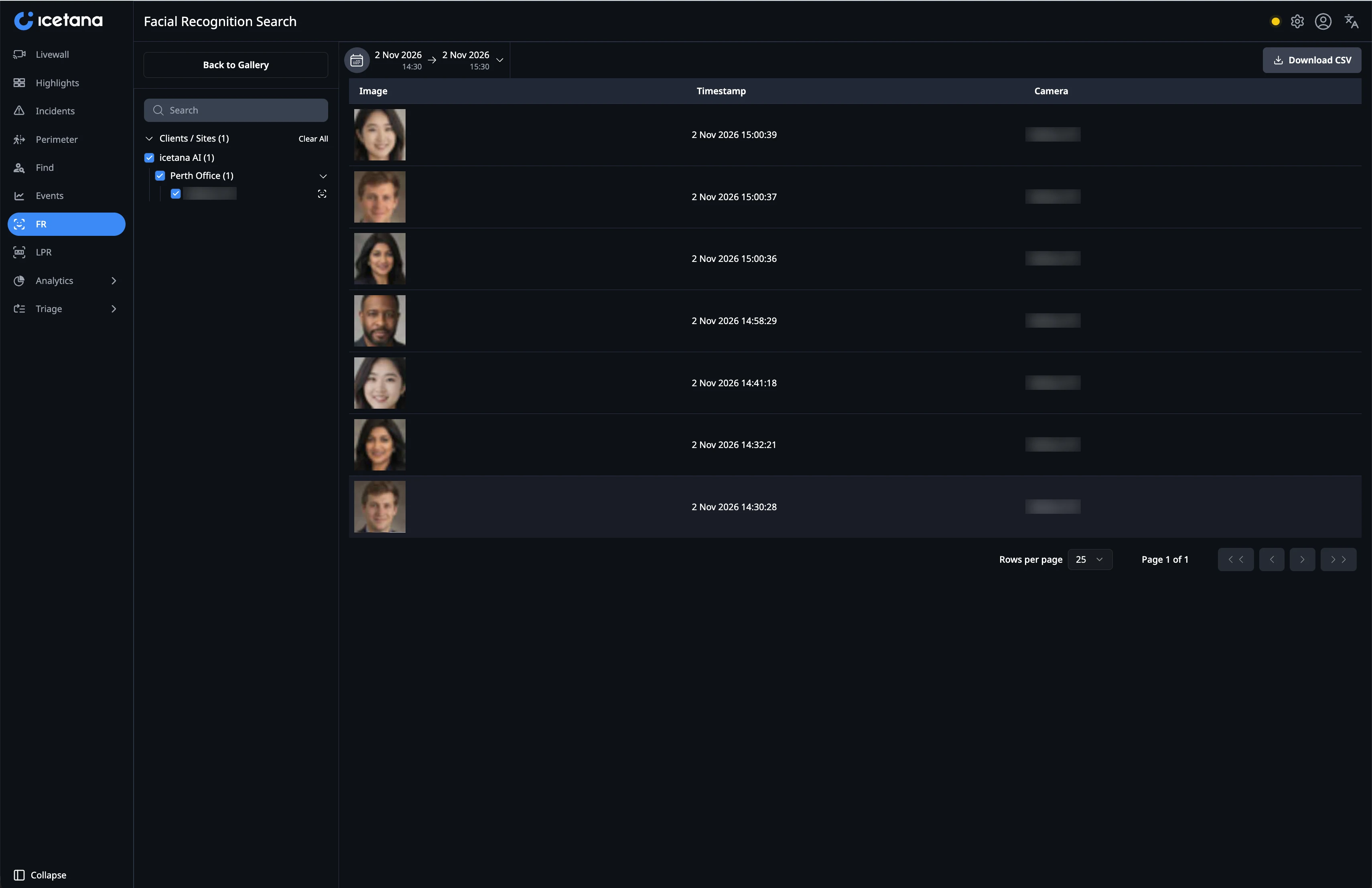
Data retention is configurable, and audit logging, role-based access and consent management are built in to support local and international compliance.
Good to know: need to trace someone without using their face? Forensic Quick Find matches on overall appearance instead.
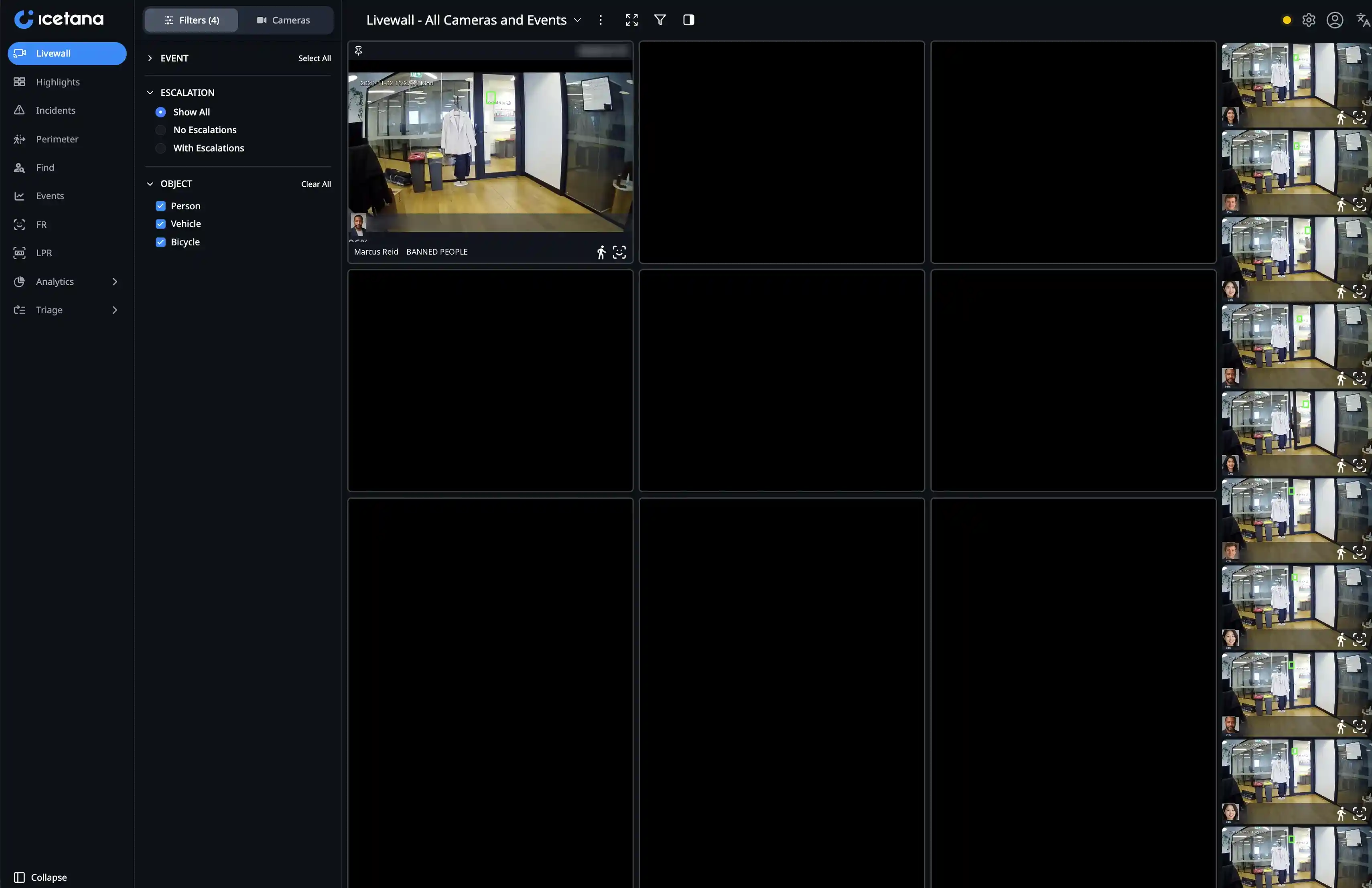
Matches appear on the Livewall straight away, with different events for allow and deny lists.
Use it for: control rooms running several Livewalls, sending VIP events to one team and deny events to security.
Designed for deployments across hundreds of cameras and multiple sites.
Add several images of each person to the same profile.
Matches appear on the Livewall so your team can act quickly.
Works with your existing cameras and VMS. Quick to set up, without hours of configuration.
Facial Recognition is an optional add-on to icetana AI Safety & Security, not a standalone surveillance tool. It is used only to keep people safe, and for no other purpose. It only matches faces against the watchlists your site creates, and configurable data retention, audit logging, role-based access and consent management are built in to support local and international compliance.
icetana Safety and Security is the foundational product, complemented by a suite of AI-driven products.
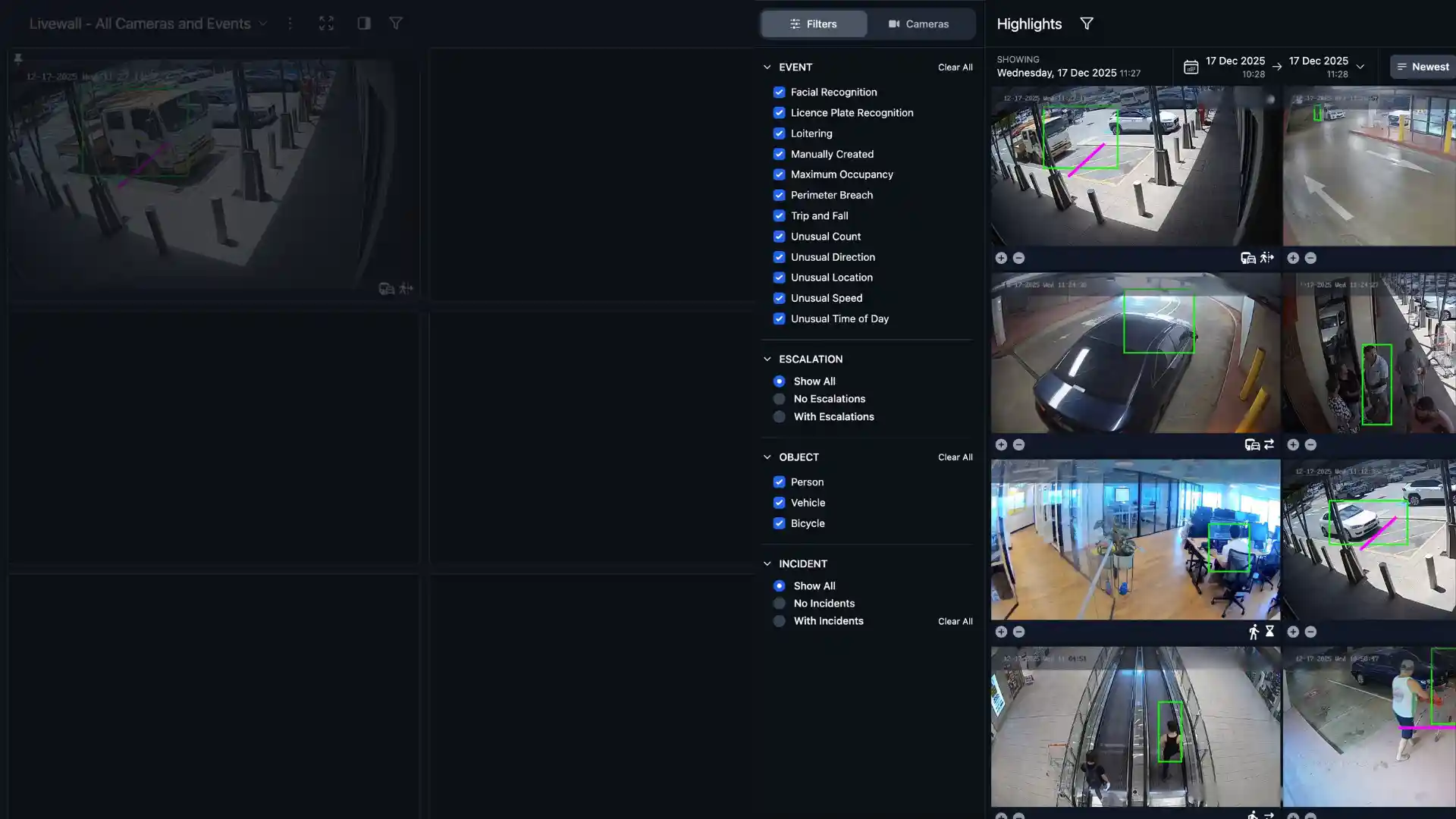
Enable security personnel to proactively recognise incidents as they happen with 24/7 real time surveillance.
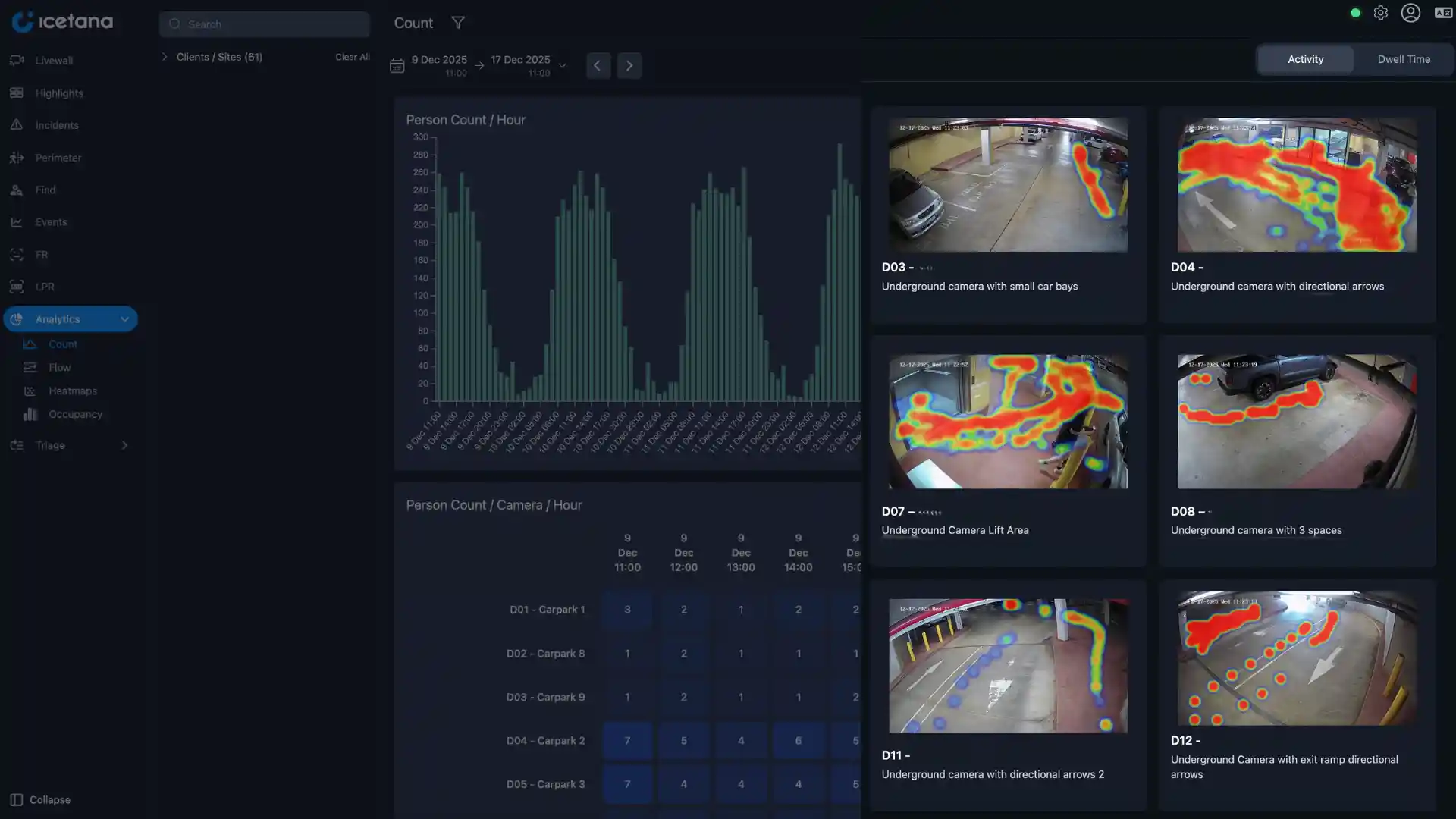
Transform surveillance data into actionable insights at scale.
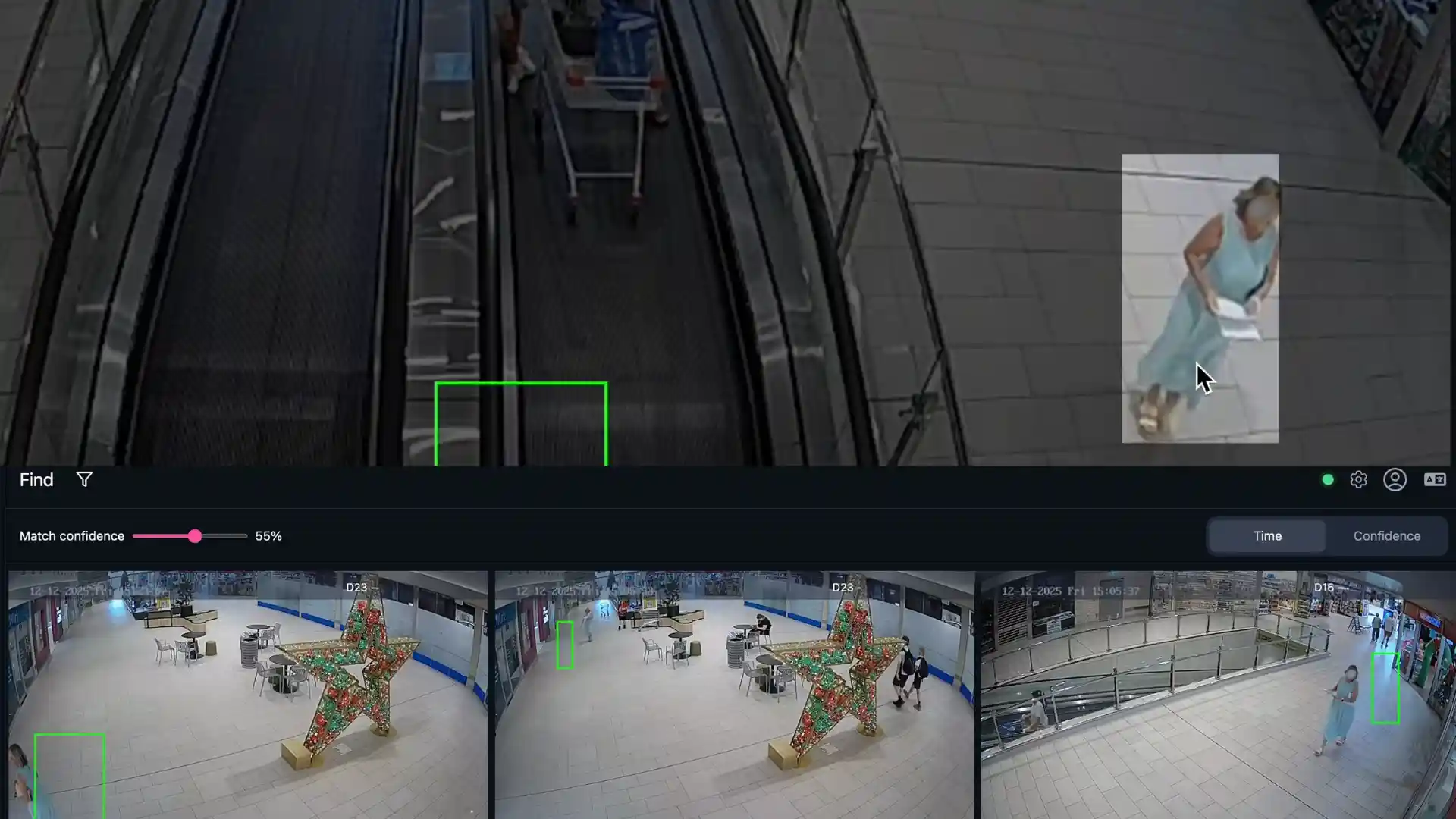
Find everywhere a person has been, matched on appearance, not faces.
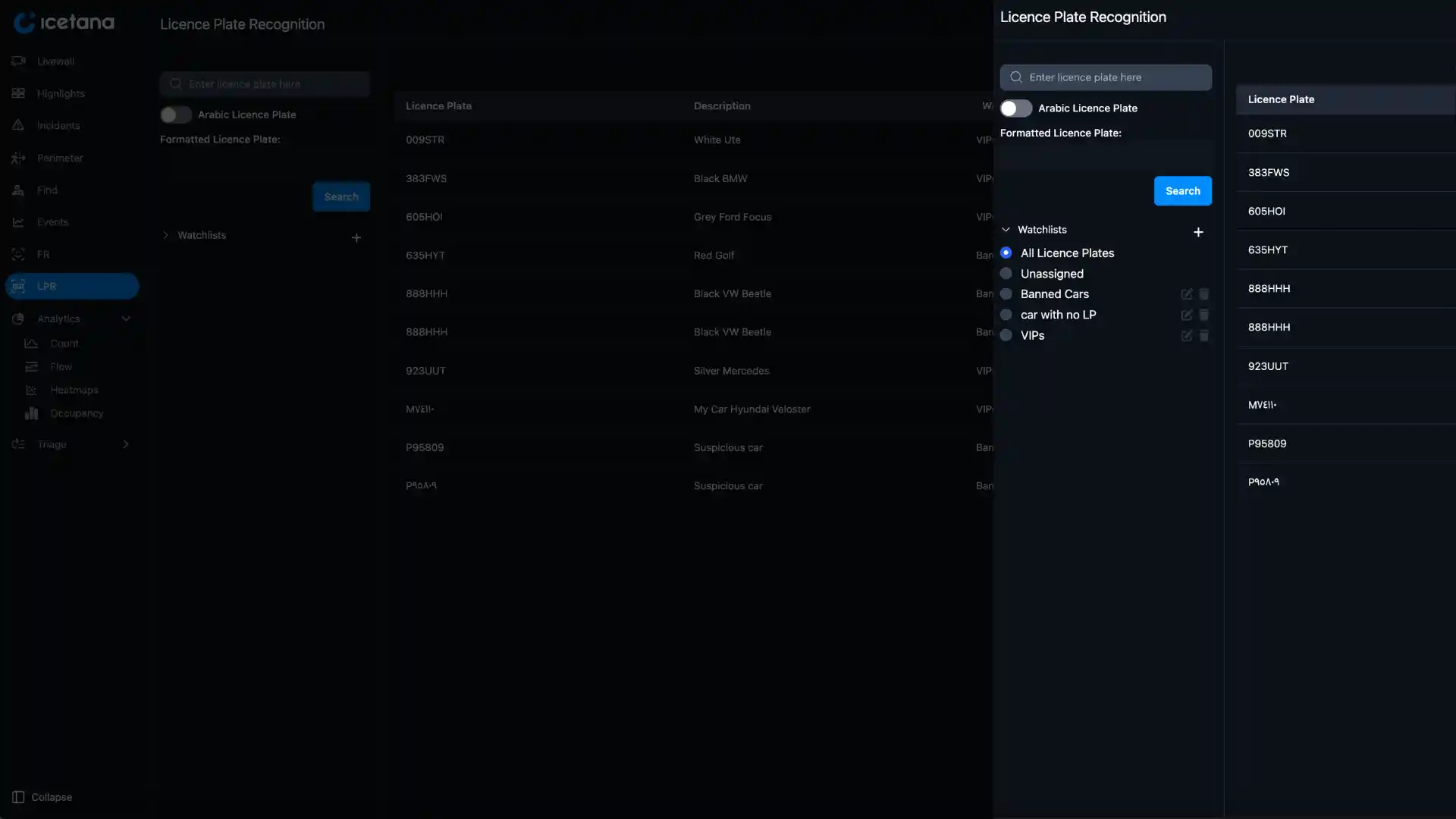
Detects licence plates in real time.
Identify individuals instantly with facial recognition.
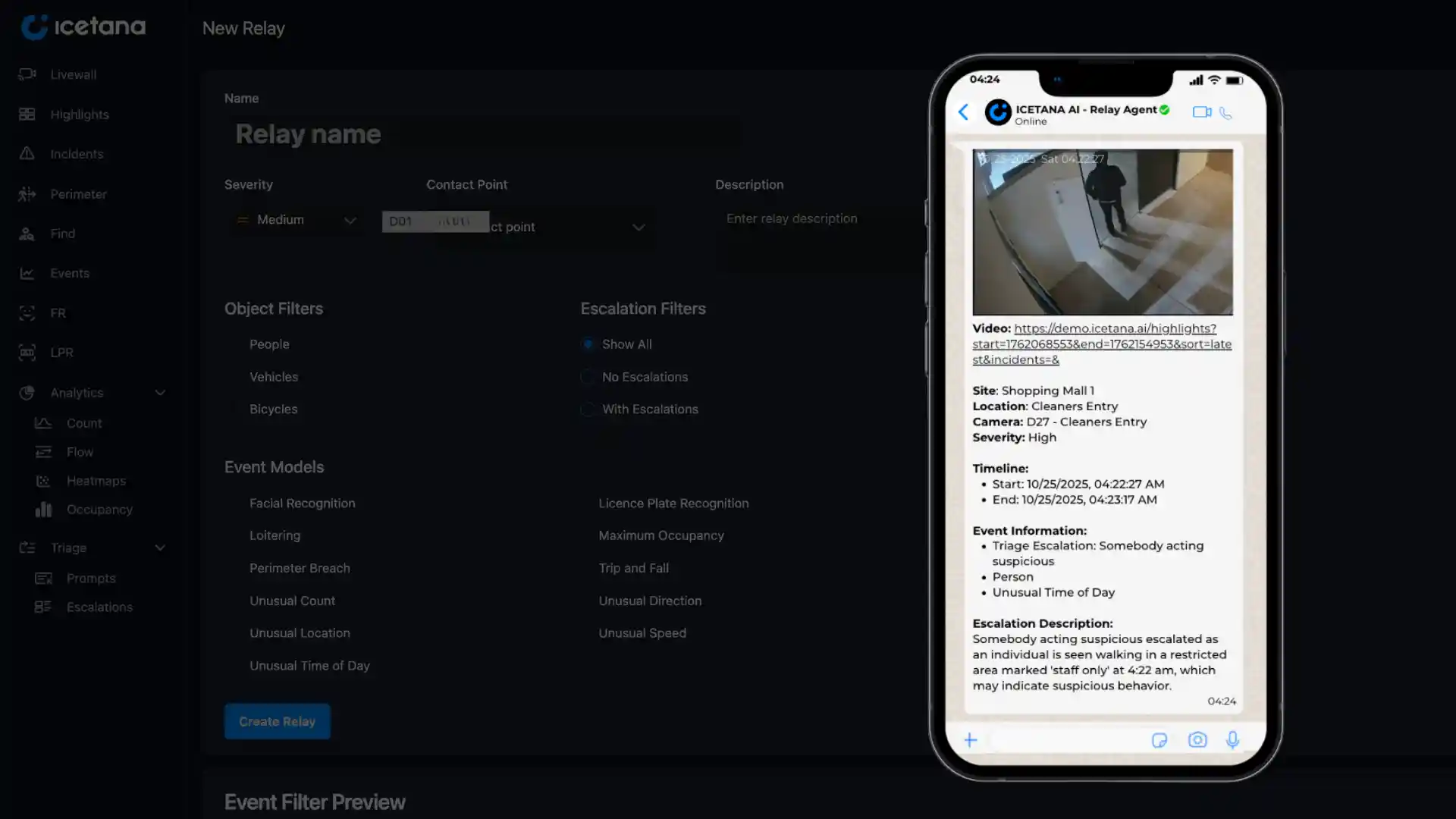
Route real time event notifications directly to the communication platforms your team already uses.
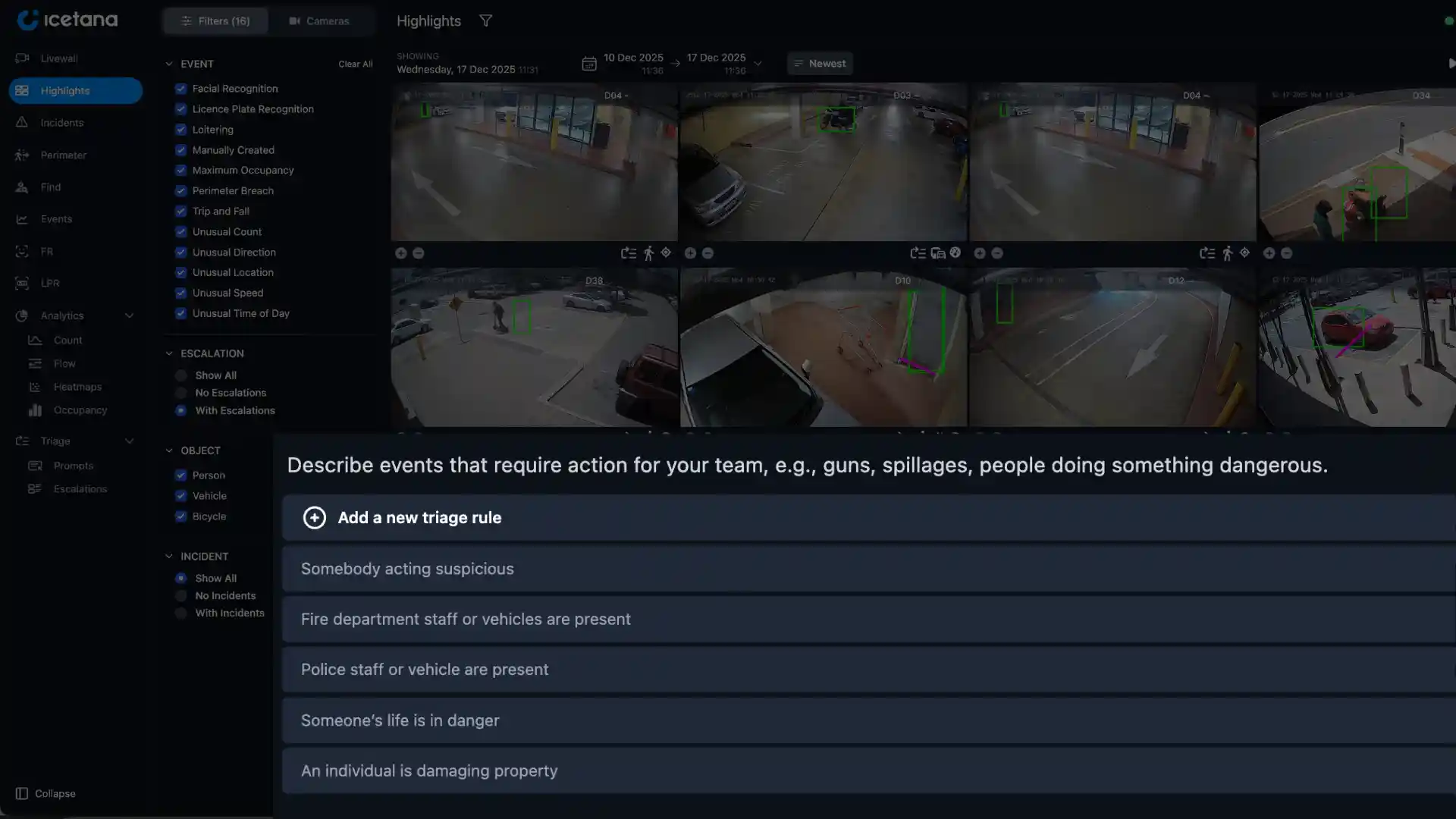
Get notified only about what truly matters to you.
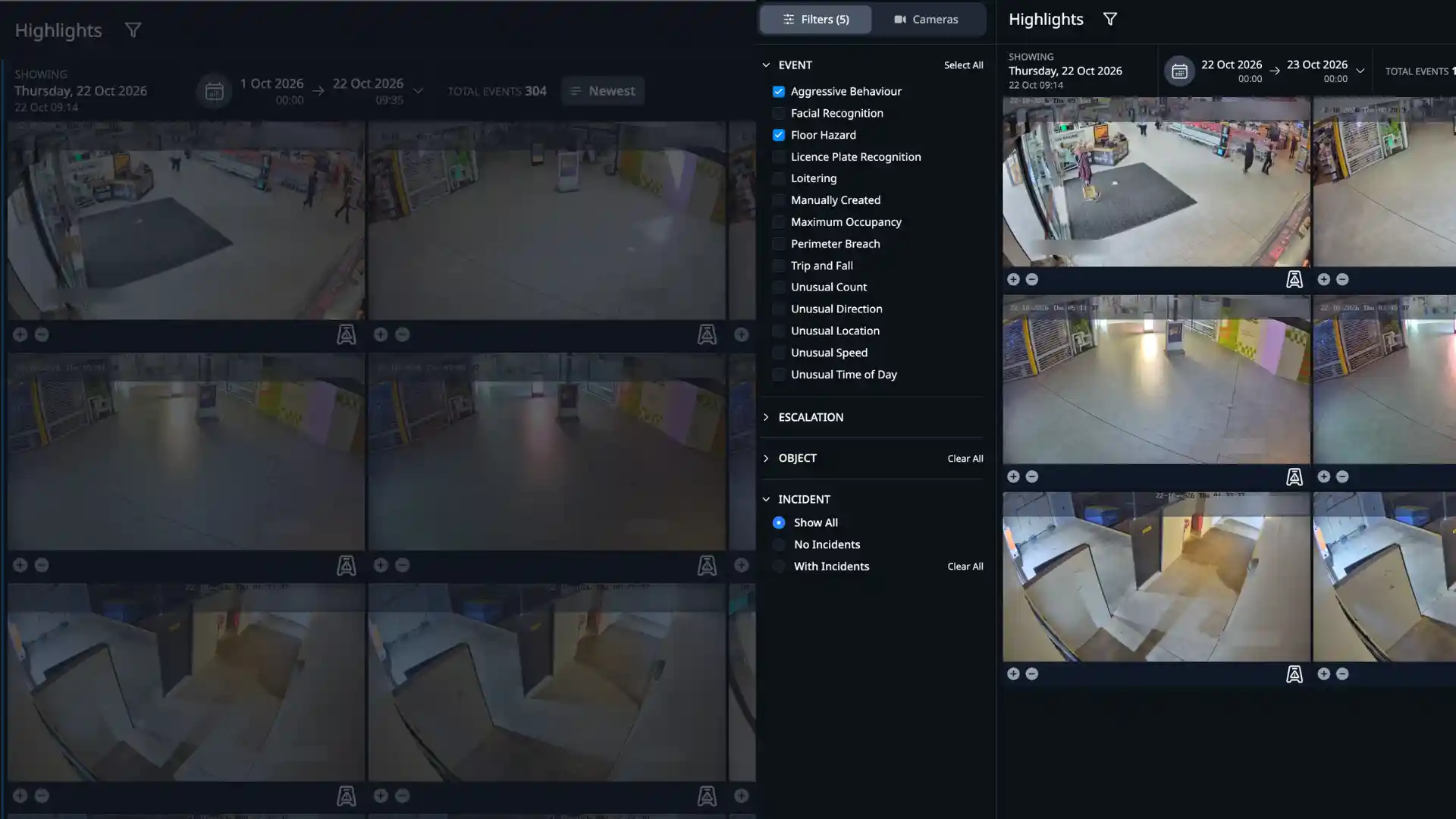
Detect the specific events you choose.
FAQs
Only for keeping people safe. Sites use it to alert their security team when someone on a watchlist, such as a banned person or someone with an exclusion notice, arrives on site. It is not used for any other purpose.
It compares faces on your cameras against the images in your watchlists and alerts your security team when a person of interest is seen. It only matches against the images your site adds.
Yes. Facial Recognition is an optional add-on to Safety & Security, not a standalone product. It runs on the same camera connections.
Facial Recognition is used only to keep people safe and only matches faces against the watchlists your site creates. Data retention is configurable, and audit logging, role-based access and consent management are built in to support local and international compliance.
Yes. Forensic Quick Find matches people on their overall appearance instead of their face. Explore Forensic Quick Find
Yes. icetana AI integrates with Genetec, Milestone and Nx Witness. See the Genetec integration
Yes. It supports multi-site deployments with centralised policy control and distributed processing.

