Event details
Each notification includes the event type, object, camera and severity, so your team knows what happened and where.
Use it for: perimeter breaches, loitering, fights.

Relay sends icetana AI events to the platforms your team already uses, with the event type, object, camera and severity attached. Guards on patrol and supervisors away from the Livewall know straight away.
Set up once by your admin with webhooks
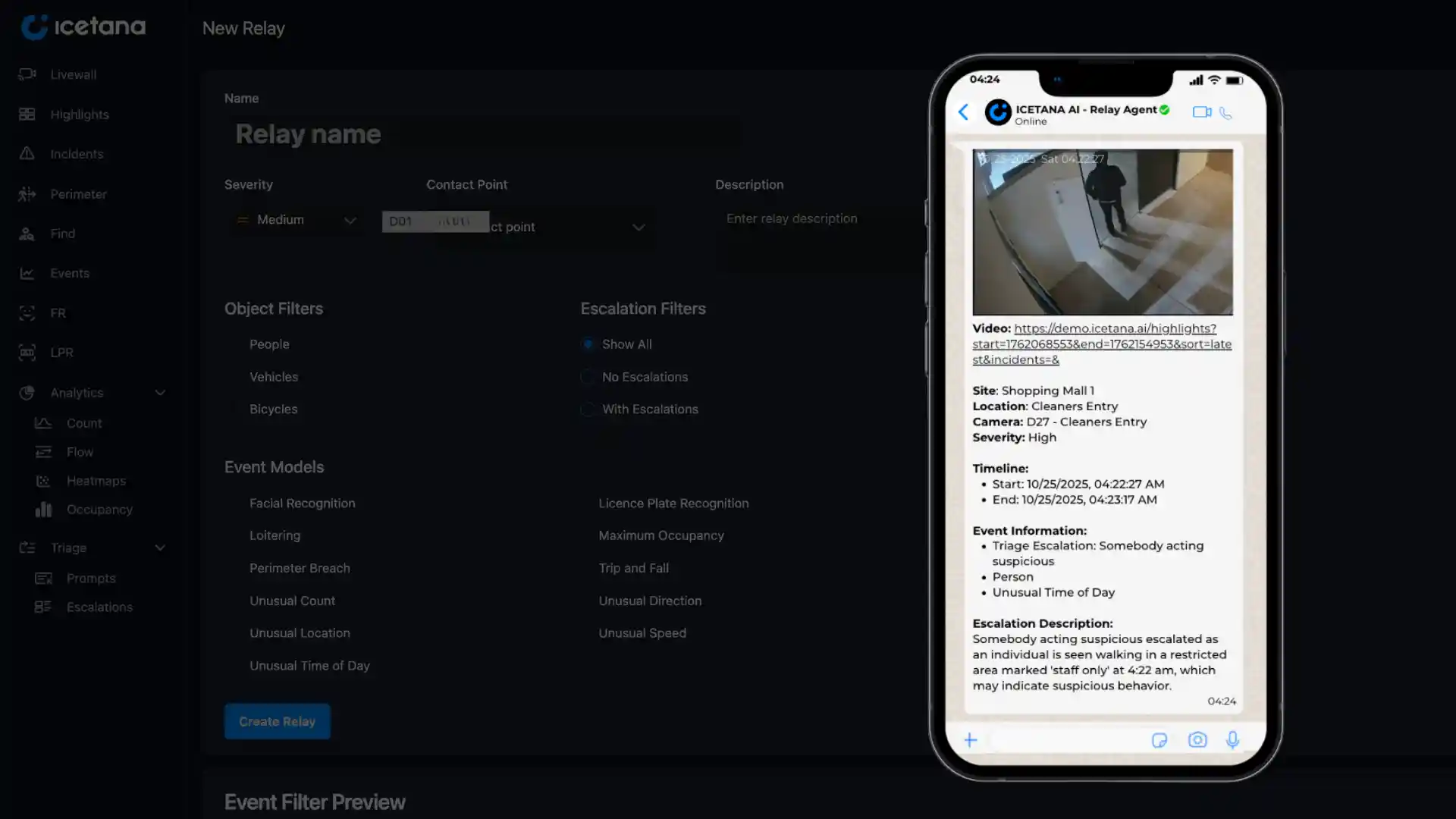
Guards are on patrol, supervisors are in meetings and health and safety staff work across the site. If an event only shows on the control room screen, the people who need to act hear about it too late.
Your admin sets up a webhook for each channel for each team.
Filter by event type, object type, camera and severity for events raised by Safety & Security
Send different severities to different teams. A fight goes to the response team. A trip and fall goes to health and safety.
Every notification carries what your team needs to respond.
Each notification includes the event type, object, camera and severity, so your team knows what happened and where.
Use it for: perimeter breaches, loitering, fights.
Send only the events that matter, filtered by event type, object (people, vehicles or bicycles), camera and severity.
Use it for: after-hours events, high-risk cameras, specific event types.
Set up several channels and route each severity to the right team.
Good to know: some platforms may charge to receive messages.
Teams on the ground hear about events as they happen.
Everyone who needs to know finds out, wherever they are.
Respond while an incident is still small.
Send the events Triage escalates to the people who need them.
icetana Safety and Security is the foundational product, complemented by a suite of AI-driven products.
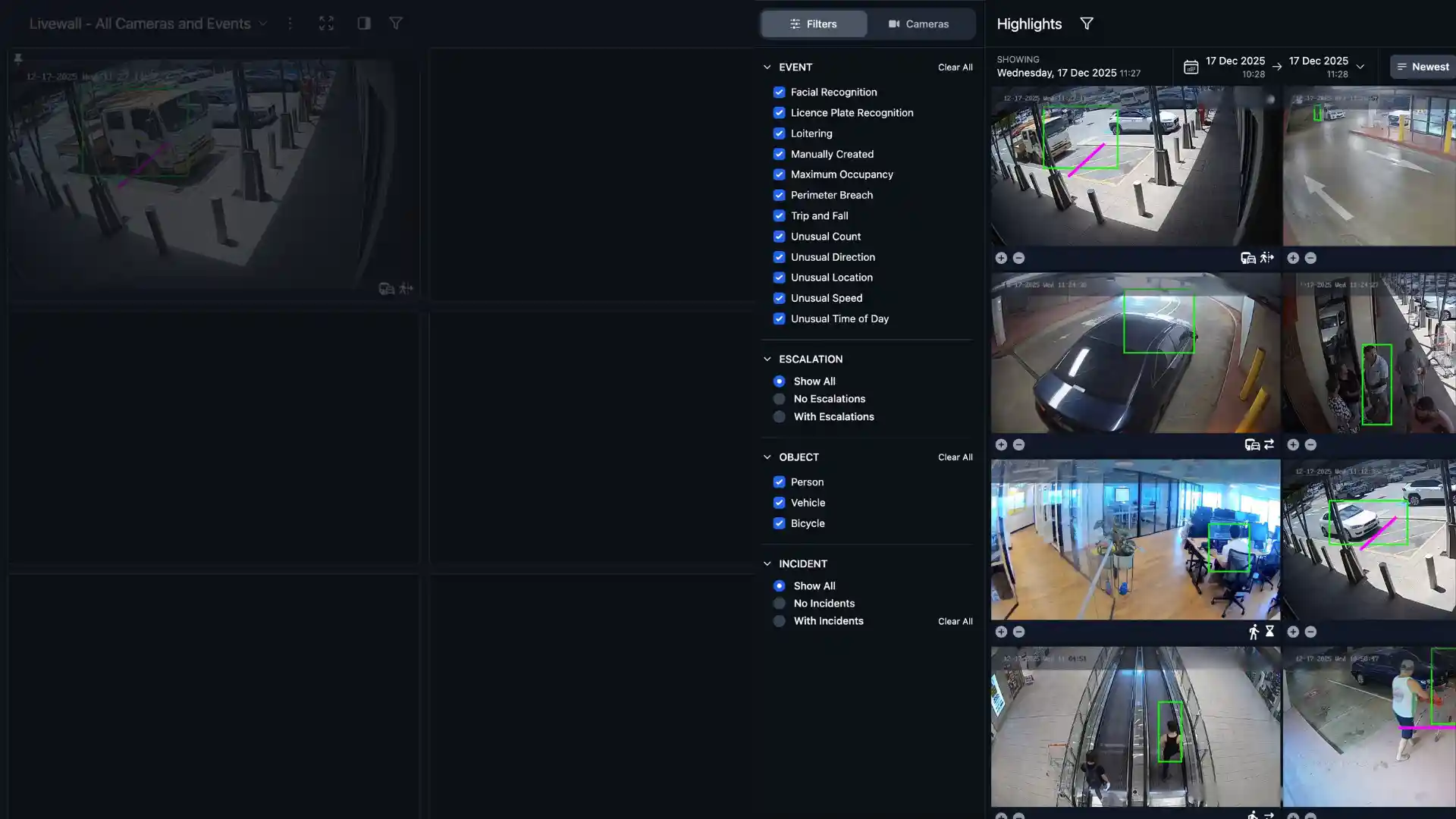
Enable security personnel to proactively recognise incidents as they happen with 24/7 real time surveillance.
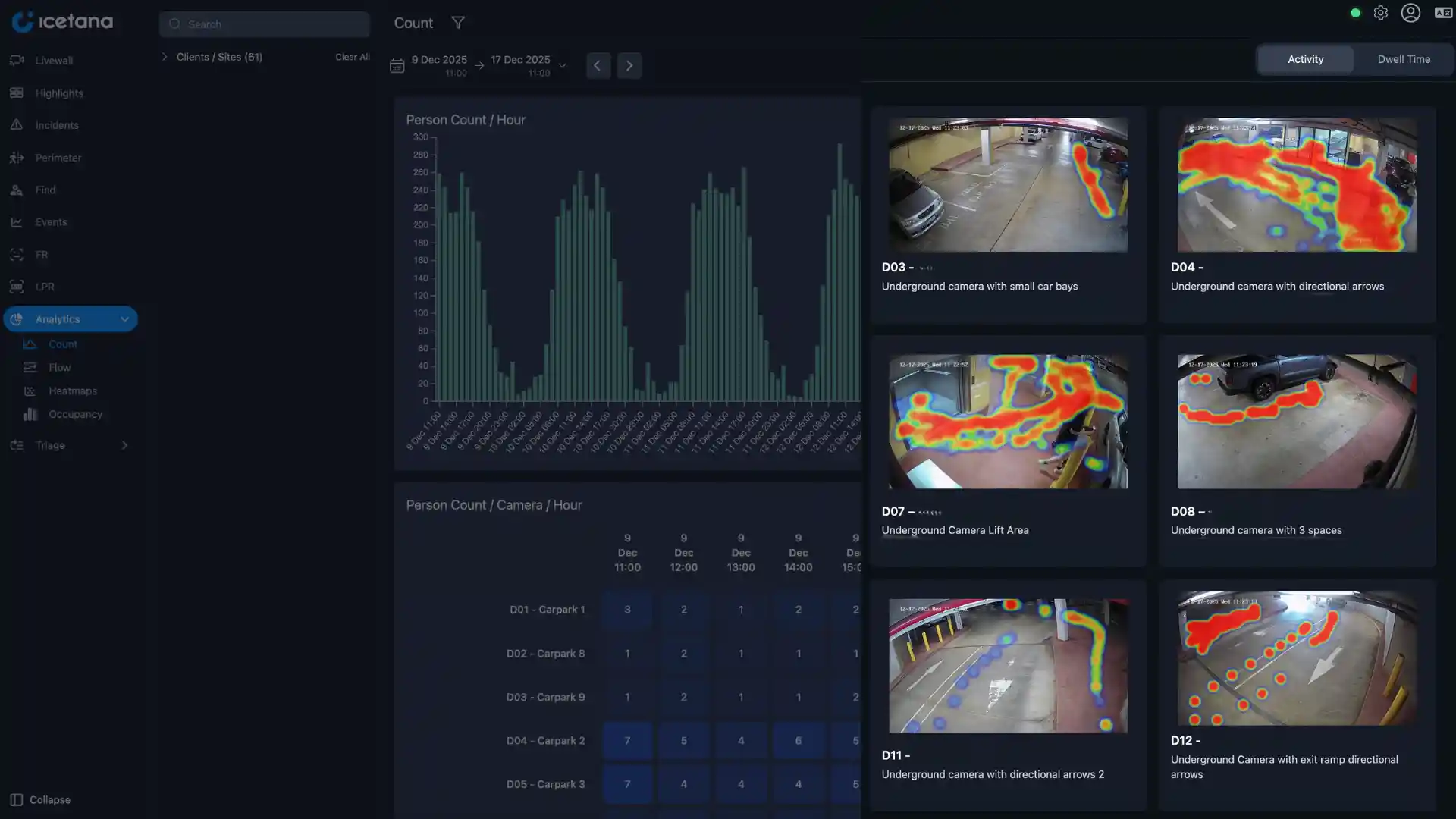
Transform surveillance data into actionable insights at scale.
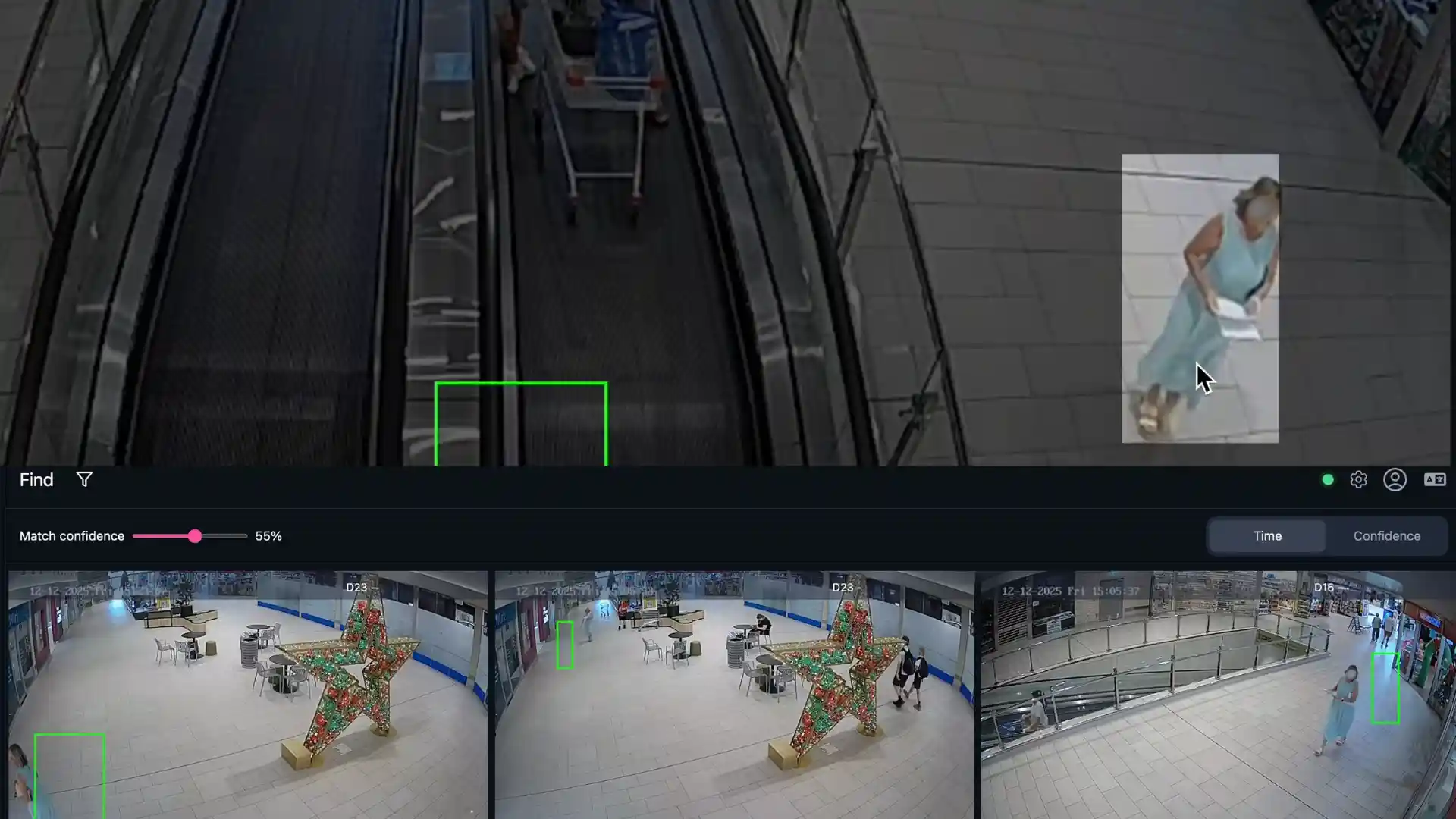
Locate individuals of interest across all sites in real time.
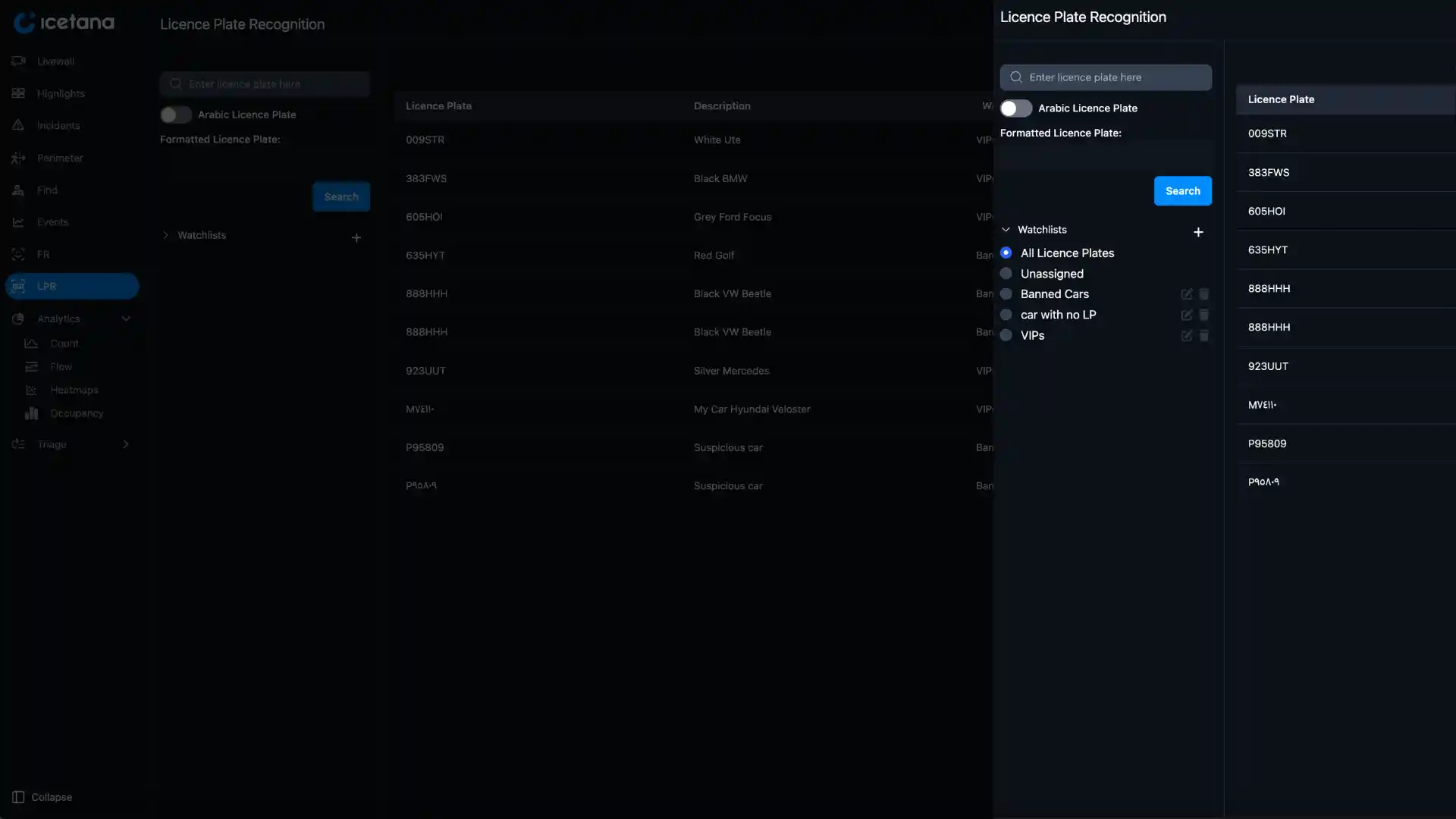
Detects licence plates in real time.
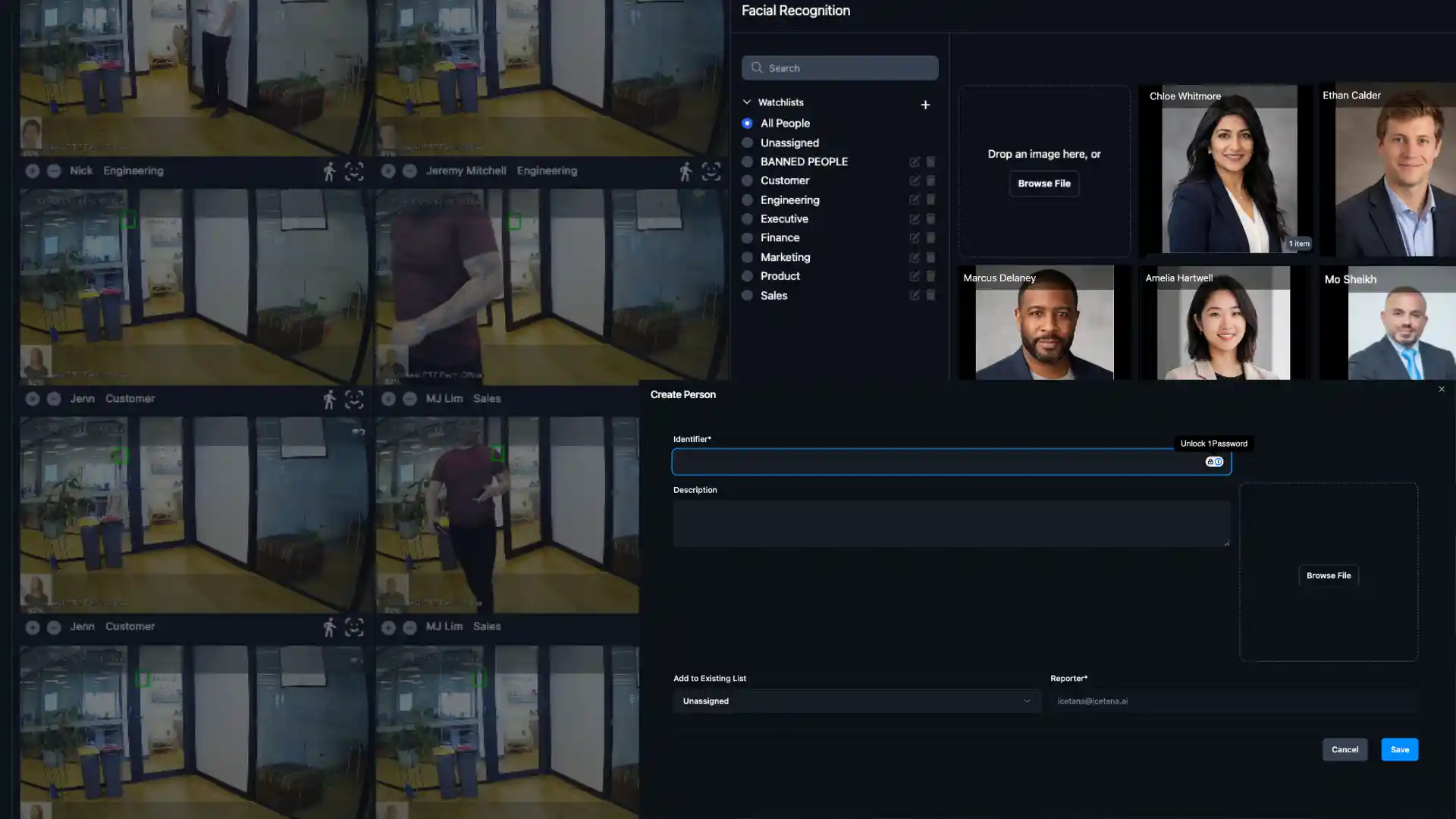
Identify individuals instantly with facial recognition.
Route real time event notifications directly to the communication platforms your team already uses.
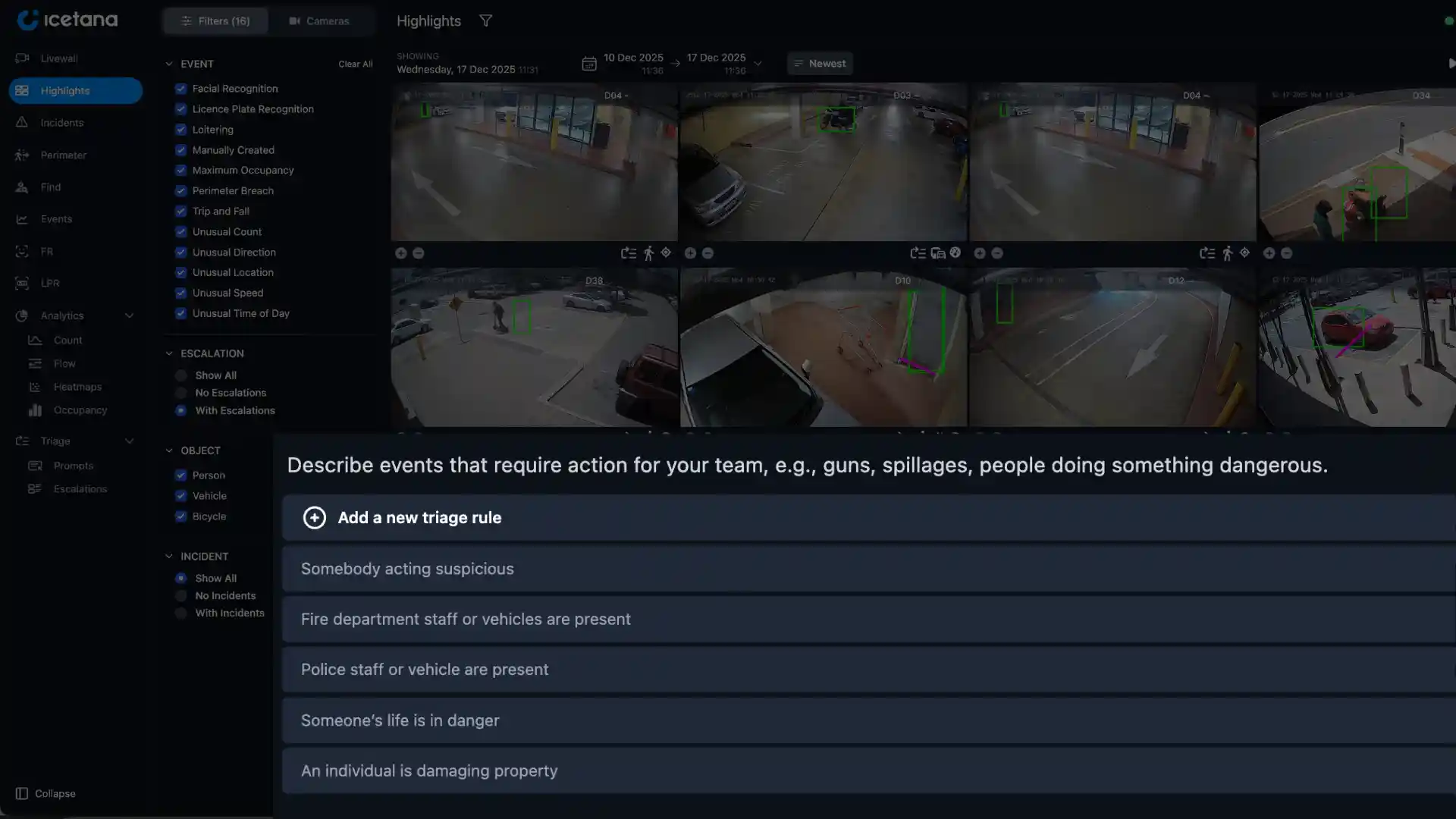
Get notified only about what truly matters to you.
FAQs
Relay sends icetana AI events, such as perimeter breaches or loitering, in real time to platforms like Telegram, so guards on patrol and supervisors away from the Livewall can act.
Any platform that supports webhooks, such as Telegram. Some platforms may charge to receive messages.
Each notification includes the event type, object, camera and severity, so your team knows what happened and where.
Yes. Filter by event type, object type (people, vehicles or bicycles), camera and severity.
Yes. Set up channels for different teams and route each severity to the right one. For example, a fight goes to the response team and a trip and fall goes to health and safety.
Your admin sets it up once, with a webhook for each channel for each team.
Yes. Pair Relay with Triage to send the events Triage escalates straight to the people who need them. Explore Triage
Yes. Relay works on events from icetana AI, which integrates with Genetec, Milestone and Nx Witness. See the Genetec integration


